AI Chibi Emote Generator for Twitch

Give your mascot a reaction your chat will recognize at 28 pixels.

Interactive example

Hype / Love
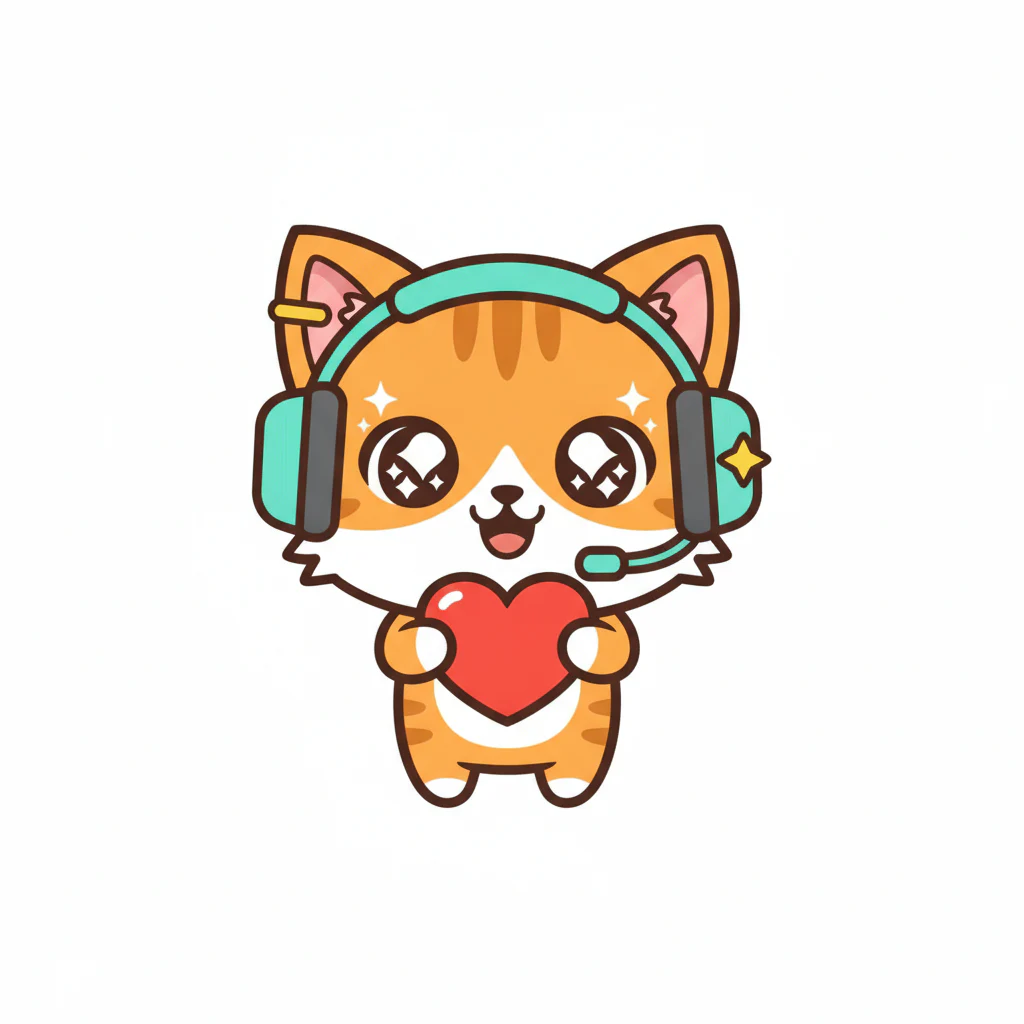
An orange tabby mascot with a teal headset and a tiny star on one ear.
Choose a preset

1 free image, no sign up

The ImageMuse AI chibi emote generator for Twitch turns a written character description into one static reaction image. Pick Hype, Rage, Cry or Cozy, then preview the result at chat size. Download a ZIP containing square PNGs at 112, 56 and 28 pixels for Twitch’s manual upload option.

How do you turn a mascot into a chibi Twitch emote?

  1. 01

    Describe the mascot

    Describe a mascot, one signature color and a face-framing accessory.

  2. 02

    Choose one reaction

    Choose Hype, Rage, Cry or Cozy and generate your emote.

  3. 03

    Check at chat size

    Check the face at 28 px, then download all three PNGs.

What makes a good chibi emote prompt?

Give your character one memorable color and one recognizable shape. A bent ear or bright headset beside the face can survive the reduction to chat size. A detailed costume below the shoulders is easier to lose.

  • Hype — A round orange fox cub with one bent ear and a teal headset, facing the viewer.
  • Rage — A little purple dragon with a yellow horn and two thick eyebrows, seen head-on.
  • Cry — A gray raincloud mascot with a wide face, a deep blue outline and one bright blue cheek.
  • Cozy — A cinnamon-colored otter peeking over a dark green blanket, with a cream muzzle and rounded ears.

Will the expression still read at 28 pixels?

Orange tabby mascot wearing a teal headset and holding a heart.

The 112 px export from a real Hype generation. Check the same eyes, mouth and silhouette in the smaller sizes.

Cover the larger previews. If the tiny face could mean either joy or panic, change the shape of the mouth or eyes.

PreviewWhat to check
112 × 112 pxClear the background around ears and fur while preserving white details inside the face.
56 × 56 pxLook at the direction of the eyes and the shape of the mouth. Swap tiny accents for one large tear.
28 × 28 pxName the reaction at a glance. If it gets lost, bring the face closer and keep a narrow margin.

How do you upload the PNGs to Twitch?

For a manual upload, extract the ZIP and choose the matching PNG for each size in your channel’s emote settings. Inspect pale areas on a dark background to spot a leftover white rim. If raising the cleanup tolerance eats into pale fur, lower it and check the edge again.

Twitch also supports automatic resizing from one square PNG between 112 and 4096 pixels. Its static emote rules call for a transparent background and a file no larger than 1 MB. Twitch emote formatting requirements

Frequently asked questions

Can I make a Twitch emote without a photo?

Yes. Describe a mascot, pet or original character in the text box and choose a reaction. For example, try an orange tabby with a teal headset. You can edit the example before you generate.

What sizes are included in the Twitch emote download?

The ZIP contains three square PNG files of the same emote, at 112 × 112, 56 × 56 and 28 × 28 pixels. Extract the files before choosing them in Twitch’s manual upload form.

How can I tell if my emote reads clearly at 28 pixels?

Look at the smallest preview at normal zoom. Cover the larger versions and name the reaction from the small face alone. If the expression gets lost, try one open mouth or one large tear and give the face more room in the frame.

How does the transparent background work?

The exporter can clear a near-white background connected to the image edges. Interior details enclosed by the character’s outline, such as white eyes, stay in place. Check the outline in the preview and adjust the tolerance when the edges need another pass.

Can I generate several reactions for the same character?

Each generation makes one image. Keep the character description and distinctive colors, select another reaction and generate again. A fresh generation can change markings or proportions, so compare the results before adding them to a matching set.

Does downloading another PNG size use credits?

The workspace displays the cost of generating the artwork. All three sizes come from that same result. Adjusting the background cleanup and downloading the size pack happen in your browser without another generation.

Does this make a static or animated Twitch emote?

The emote pack contains still PNGs. A grin, streaming tears or a sleepy face can suggest movement in one pose. Animated emotes use a separate Twitch GIF upload workflow.

More AI photo tools

Last updated: