Free · No sign up · Stays in your browser

AI Passport Photo Maker

Pick your passport or visa, upload a photo, and get the exact size with a rule-by-rule check, without editing your face.

ImageMuse AI Passport Photo Maker checks a photo against official passport and visa rules and crops it to the exact size. It measures head size, tilt, eyes, mouth, background and lighting, then exports a digital file and a 4×6 print sheet. It never retouches your face, and your photo stays in your browser.

How to Make a Passport Photo Online
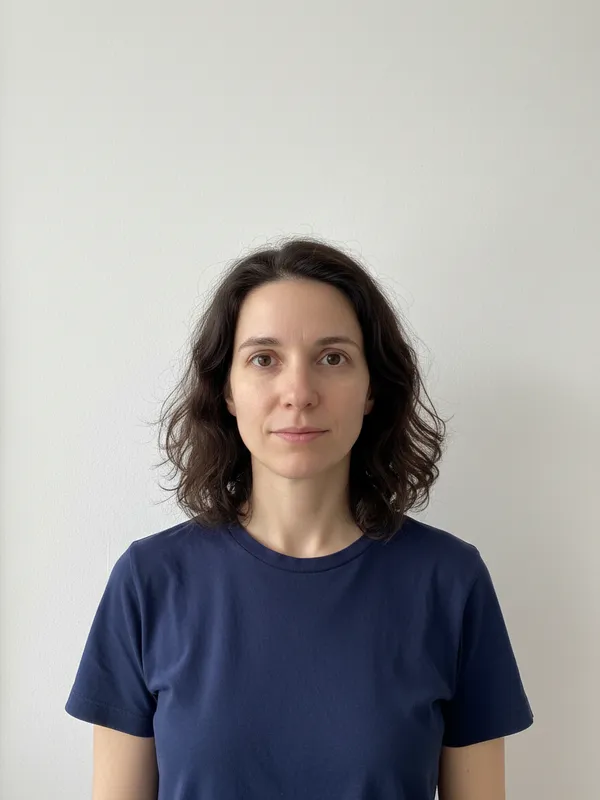
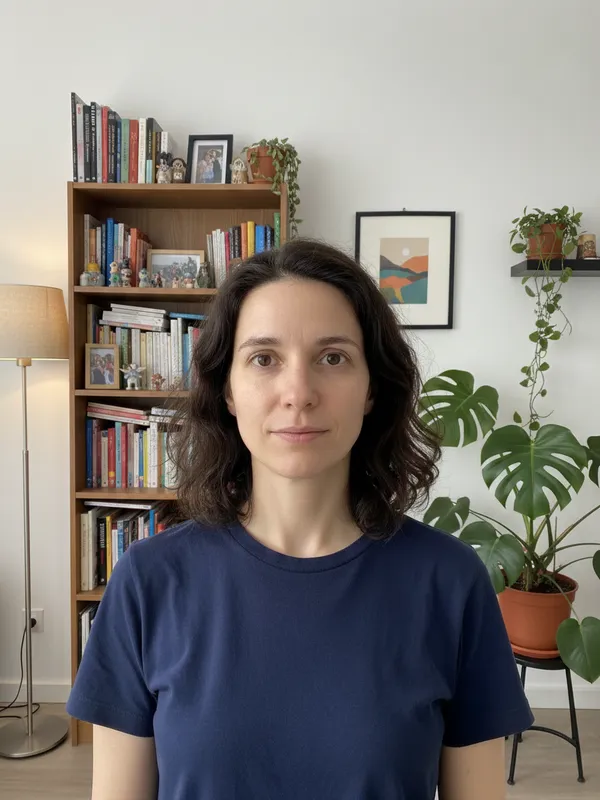
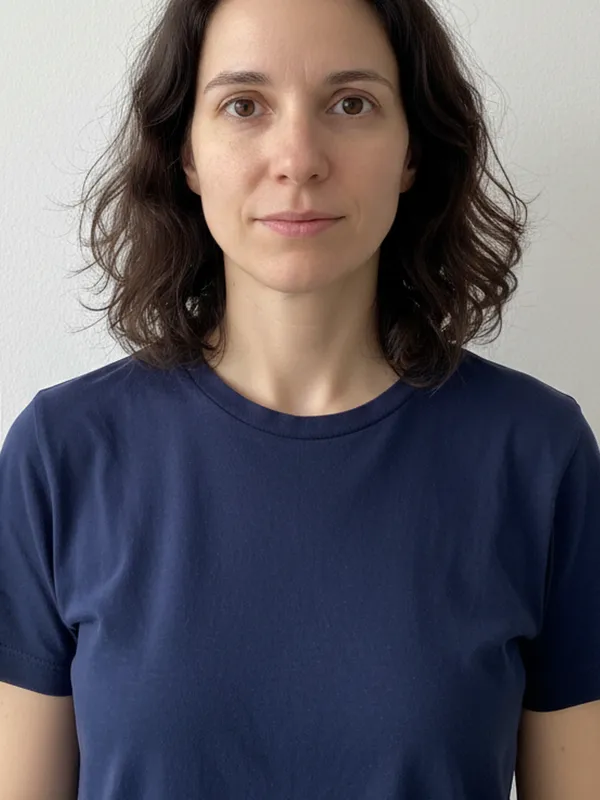
  1. A woman photographed against a plain white wall≈ 1.2 m
    1

    Take a plain photo

    Light wall behind you, even light, shoulders in frame.
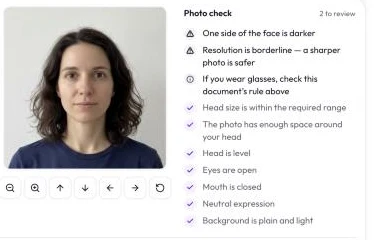
  2. The photo check listing passed and flagged items
    2

    Pick the document

    Drop the photo; the check runs in your browser.
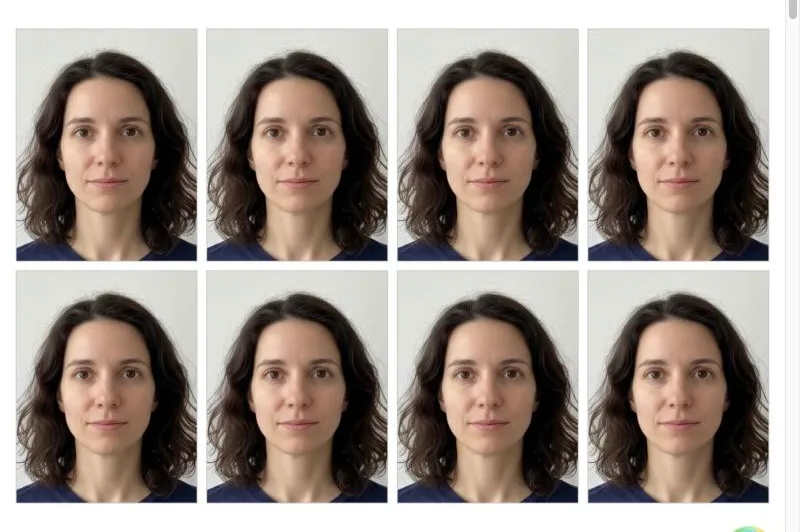
  3. Eight 35 × 45 mm passport photos on a 4 × 6 inch sheet
    3

    Download or print

    Save the digital file or a 4×6 print sheet.

Can You Use an AI Passport Photo?

Use AI to check and crop a real photo, not to change how it looks.

Accepted

  • Crop to the document size
  • Resize to the exact pixels
  • Lay out copies for printing

Usually refused

  • New background
    New background
  • Beauty filter
    Beauty filter
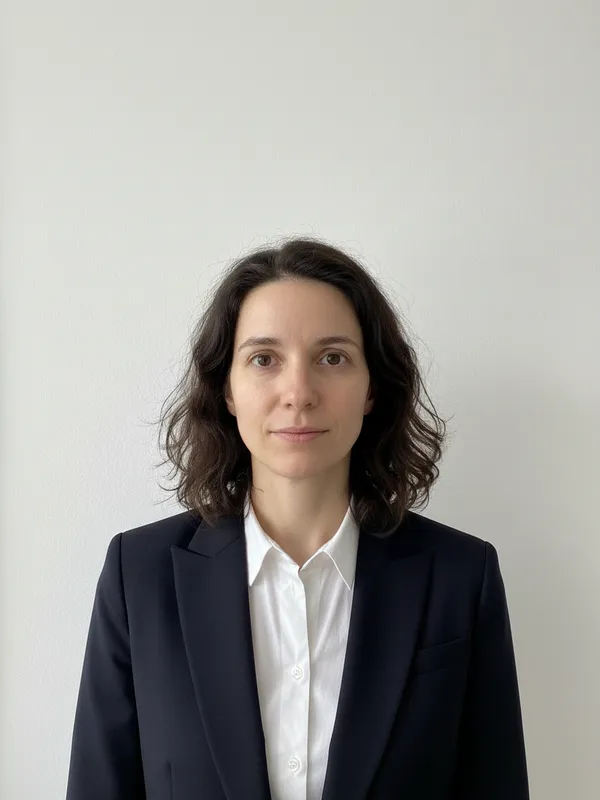
  • AI suit
    AI suit
Do passport offices accept software-edited photos?
DocumentSoftware edits acceptedOfficial source
US passporttravel.state.gov
US visatravel.state.gov
UK passport · printedgov.uk
Canadian passportcanada.ca
Chinese visabio.visaforchina.cn
Indian passportcgiauckland.gov.in

Need a suit for a résumé? Use the AI headshot generator instead.

Passport Photo Size by Country

Drawn to the same scale, with the head height each document asks for.

  • US passport

    51 × 51 mm · head 25–35 mm

  • US visa

    51 × 51 mm · head 26–35 mm

  • UK passport · printed

    35 × 45 mm · head 29–34 mm

  • Canadian passport

    50 × 70 mm · head 31–36 mm

  • Chinese visa

    33 × 48 mm · head 20–33 mm

  • 2 × 2 inch photo

    51 × 51 mm · head 26–35 mm

  • 35 × 45 mm photo

    35 × 45 mm · head 32–36 mm

  • 1-inch photo

    25 × 35 mm · head 19–25 mm

  • 2-inch photo

    35 × 49 mm · head 27–34 mm

Passport Photo Requirements Checklist

A compliant passport photo with numbered checkpoints
  1. 1Head height, chin to top of hair, inside the range
  2. 2Eyes level and open, looking at the camera
  3. 3Plain, light background with no shadow
  4. 4Shoulders in the frame, head centred
  5. 5Neutral expression, mouth closed

Why Was My Passport Photo Rejected?
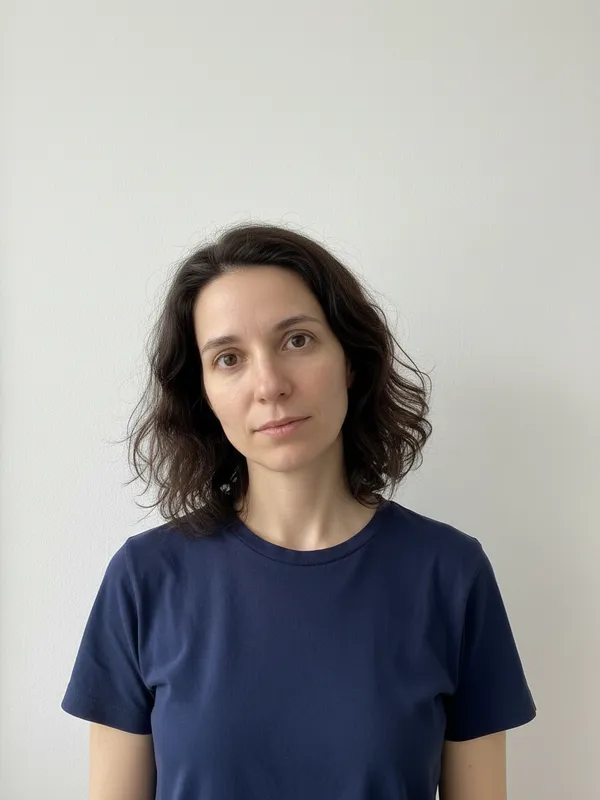
  • Tilted head

    Tilted head

    Keep your head level.

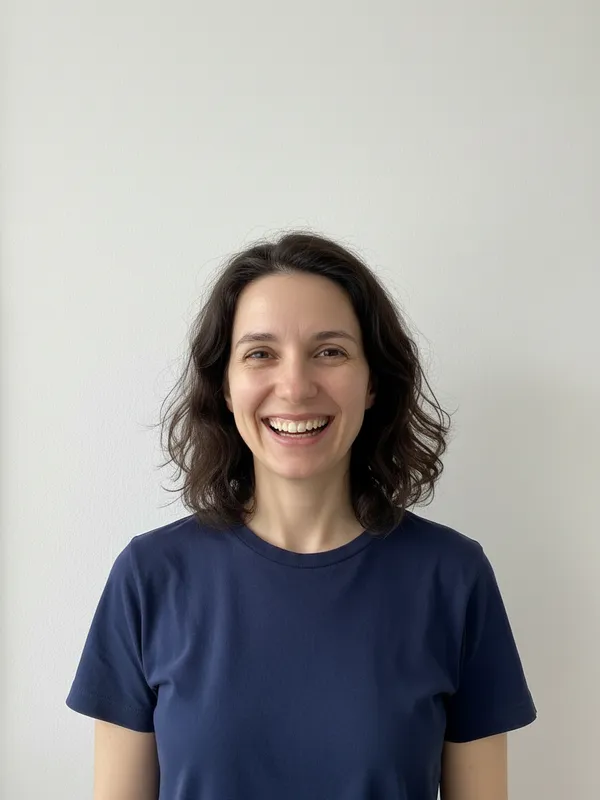
  • Big smile

    Big smile

    Neutral face, mouth closed.
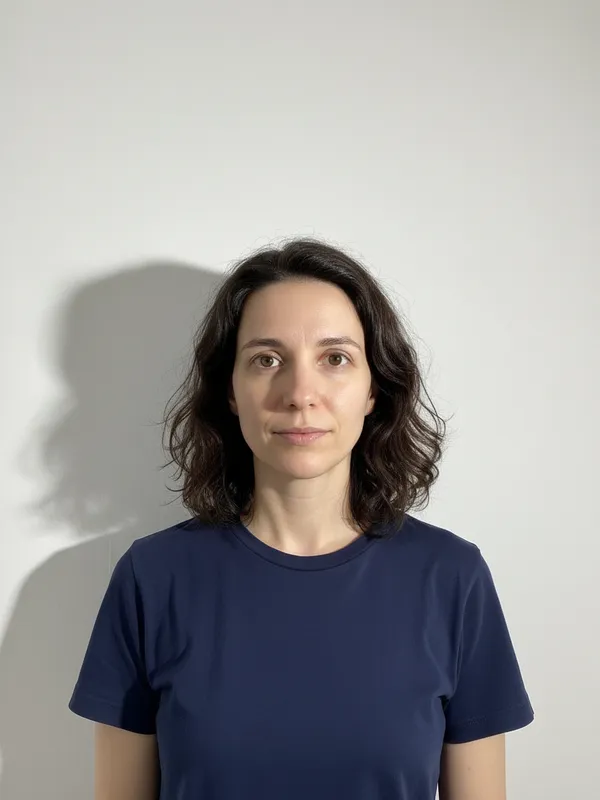
  • Shadow

    Shadow

    Face a window or soft light.

  • Head cut off

    Head cut off

    Leave space above your hair.
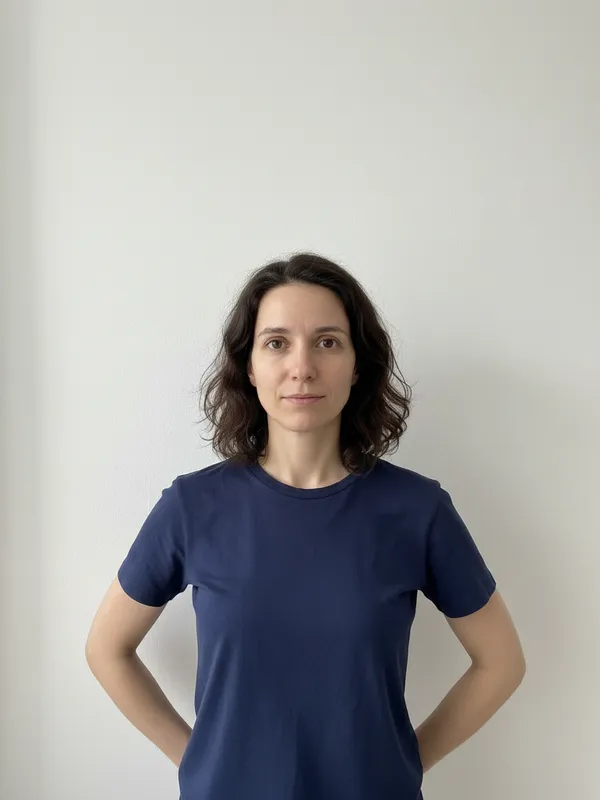
  • Too far away

    Too far away

    Step closer to the camera.

  • Edited photo

    Edited photo

    No filters or retouching.

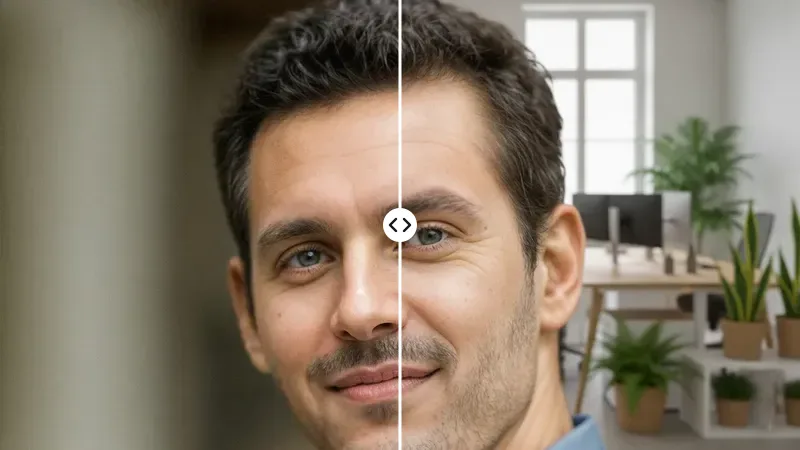
Example photos show an AI-generated model, not a real person.
Print a Passport Photo at Home

4 × 6 in photo paper35 × 45 mm × 8
Print at 100% on photo paper and cut along the guides. Canada does not accept home prints.

Frequently asked questions

Is the AI passport photo maker free?

Yes. Checking, cropping and downloading are free with no account, because everything runs in your browser and no AI credits are used.

Are AI passport photos accepted?

Photos that AI has retouched, regenerated or given a new background are often refused. The US, UK and Indian rules all ask for a photo unaltered by software. Cropping and resizing a real photo is fine, which is all this tool does.

Can I take my own passport photo with a phone?

Usually yes. Ask someone to take it from about 1.2 metres away against a plain light wall, with even light on your face and your shoulders in the frame. Check your document above: some, like the Canadian passport, still require a professional photographer.

Can I remove the background of my passport photo?

For a US, UK, Canadian or Indian passport, no: their rules count background replacement as an alteration. Take the photo against a plain light wall instead. The document card shows whether software edits are accepted.

Can I wear glasses in a passport photo?

It depends on the document. US passports and visas and Indian passports ask you to take them off; the UK asks you to avoid them; Canada and China accept clear glasses without glare. Pick your document to see its rule.

Can you smile in a passport photo?

Keep a neutral expression with your mouth closed. The checker warns about a big smile and flags an open mouth before you print.

Does my photo get uploaded?

No. Face detection, cropping and the print sheet are all made in your browser, so the photo never reaches our servers.

Can I print a passport photo at home?

Download the 4×6 print sheet and print it at 100% scale on photo paper, at home or at any photo kiosk, then cut along the guides. Canada does not accept home-printed photos, so use a photo lab there.

More AI photo tools

Last updated: