How do you plan an encounter before adding a grid?
- 01
Lay out the encounter
Mark the entrances, walkable paths and one memorable landmark.
- 02
Fit the cells
Choose square or hex cells and set their spacing and opacity.
- 03
Save the version you need
Export the overlay, or choose gridless if your VTT draws the grid.
What encounter layout gives the party a real choice?
Put the party’s entrance, its objective and one obstacle in your prompt. A forge crossed by two bridges offers a clearer tactical choice than a room filled with unrelated objects. Keep the ground plane visible wherever a token may need to stand.
Sketch two routes in words. The direct route can expose a character to danger, while the longer route offers cover or a better view. Check both again after adding the grid. A choke point that looks wide in the painting may hold only half a cell.
- Underground forge
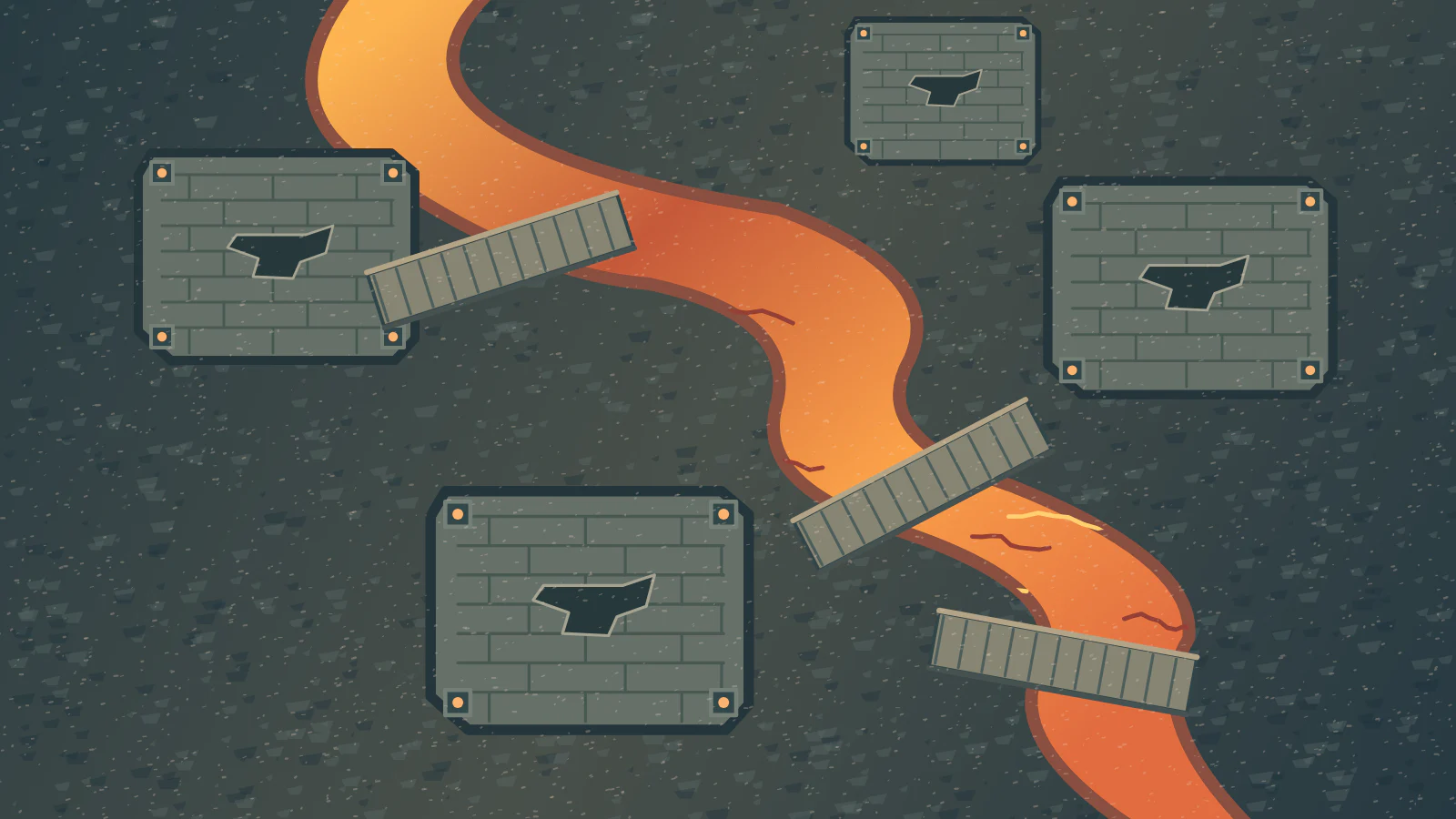
- A fast stream of lava divides a stone forge. One broad bridge crosses near a raised anvil; a second narrow path winds behind a cooling tank. Show both paths clearly from above and keep the entrance visible.
- Woodland shrine
- A stone shrine sits in a clearing with a wide northern approach. Fallen trunks create an alternate route around the west side. Leave open ground between two large roots so the party can split up during play.
Which grid will work on your virtual tabletop?
The map’s pixel grid and the game’s measurement settings are independent. A map can show ten cells across a bridge while the tabletop measures a different distance if its page scale has not been configured.
| Table setting | What to inspect |
|---|---|
| Cell spacing | Place one token on the imported map and compare its width with a cell before placing the party. |
| Hex orientation | Match the orientation shown by the visual overlay to the tabletop’s hex page settings. |
| Overlay opacity | Check doors and terrain details behind the lines, particularly where the floor is dark. |
When should you keep a gridless original?
Save it when you want players to zoom freely, use different measurement rules or align the image to a platform grid. A flattened map already carrying a grid can show a distracting second pattern beneath the tabletop overlay.
Read Roll20’s tabletop settings guide