How Do You Edit Text on an Image?
In a flat picture there is no text layer to click. To edit text on an image, the AI erases the old letters, rebuilds what was behind them and draws new ones in a matching style:
- 01
Upload and keep Replace Text
A photo of a sign, a screenshot or a graphic exported as JPG.
- 02
Type old and new words
The words exactly as they appear, e.g. SUMMER SALE, then the new ones, e.g. WINTER SALE.
- 03
Apply and check spelling
Drag the slider over the edit, check every letter, then download.
Change one phrase per edit; five changes at once make a mistake far more likely.
How Do You Add Text to a Photo?
Switch to Add Text for a caption, title or label on a picture with no words yet:
- 01
Upload and choose Add Text
Any photo that needs a caption, title or label.
- 02
Type the text and where
For example "top center" or "bottom left corner, small".
- 03
Apply
The AI picks a typeface, colour and size that suit the picture.

There are no font controls; describe the look instead, like "bold white letters with a black outline". For an exact brand font, finish in a design tool.
Which Text Edits Work Best?
Ready-made values for the most common jobs. Copy each one into the matching box:
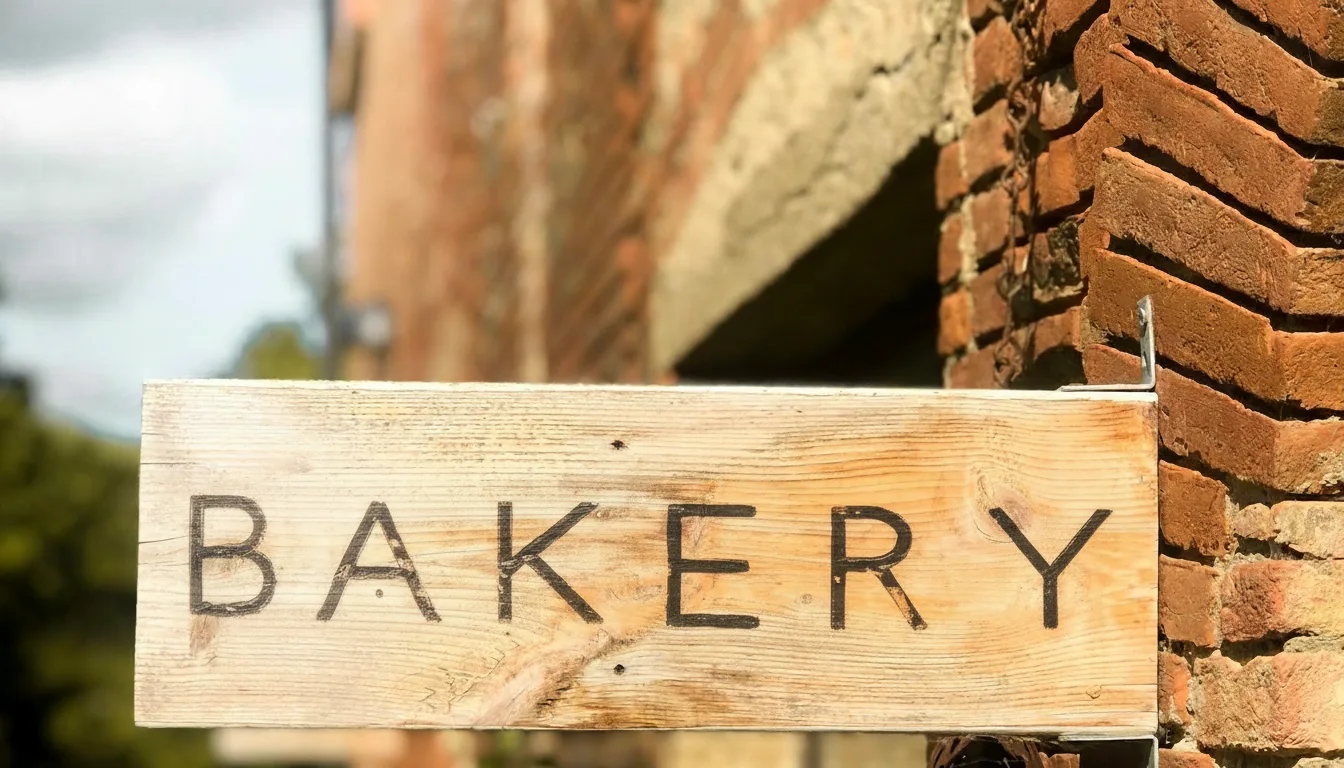
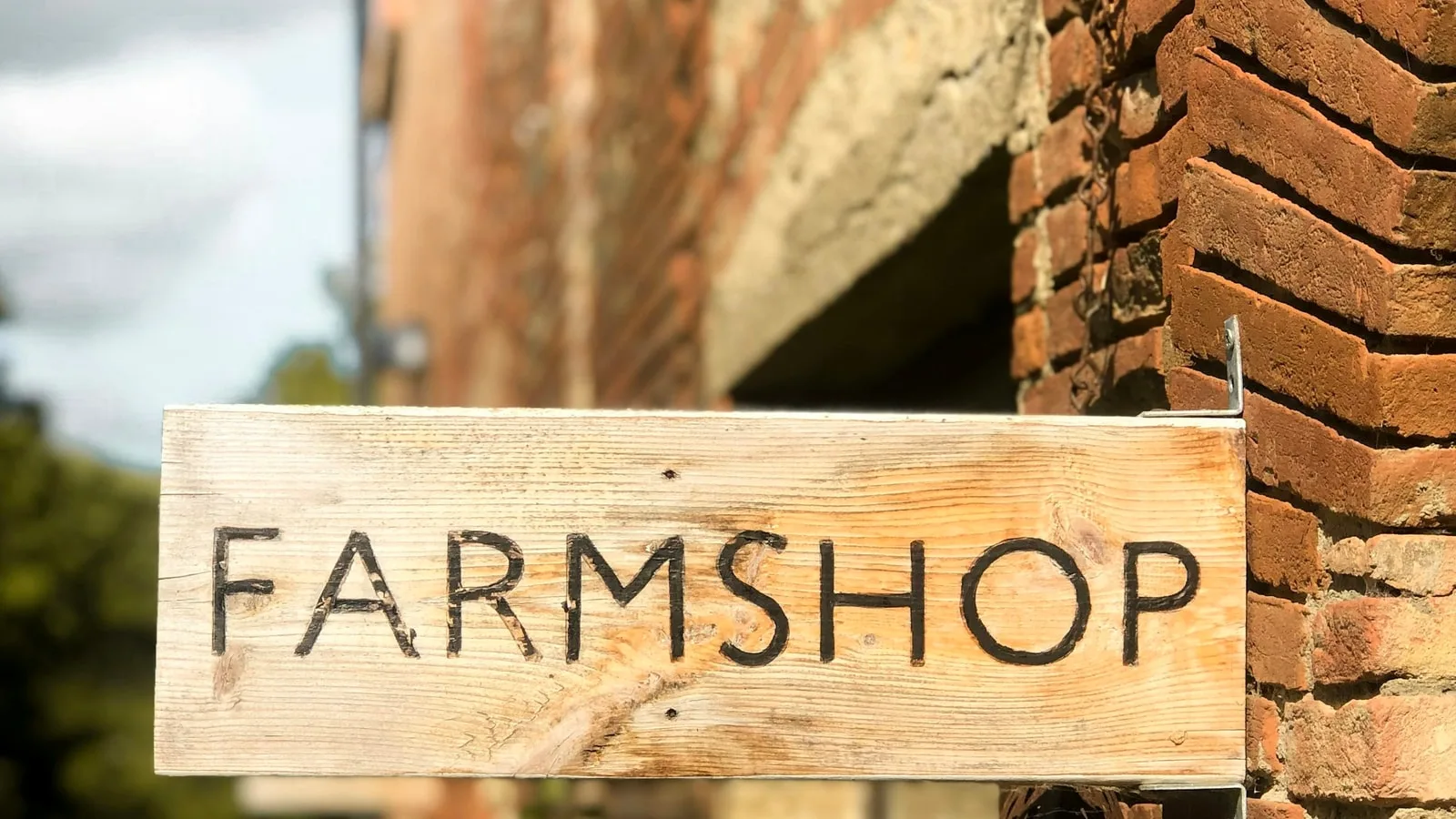
Change the word on a sign
Mode: Replace Text- In image
- FARMSHOP
- Change to
- BAKERY
Copy the old word exactly as it appears, including capital letters, so the AI finds it.
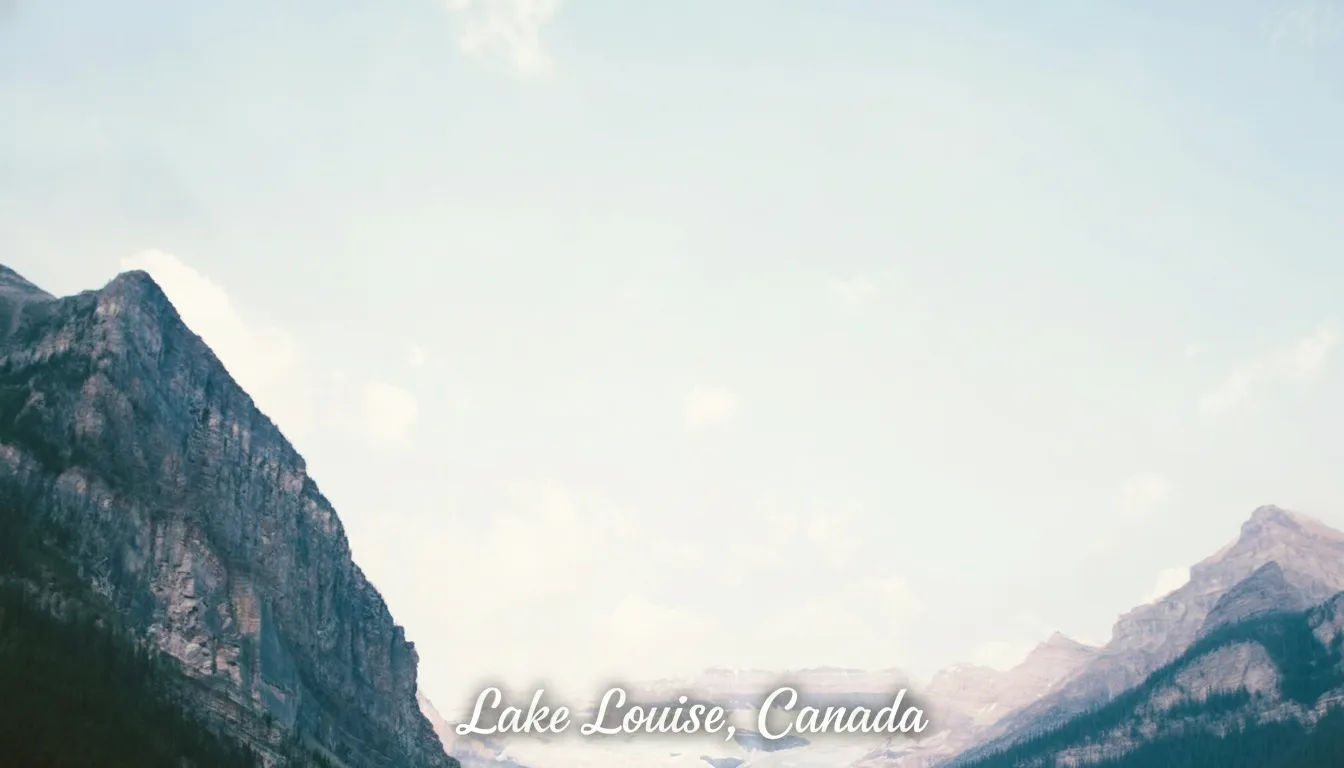
Caption a travel photo
Mode: Add Text- Text
- Lake Louise, Canada
- Where
- the bottom center, in elegant white letters
Pick a calm area such as sky or water so the caption stays readable.
Caption a meme
Mode: Add Text- Text
- WHEN THE CODE WORKS ON THE FIRST TRY
- Where
- top center, bold white letters with a black outline
Classic meme captions are short and in capitals; long sentences are more likely to wrap badly.
Translate a sign heading
Mode: Replace Text- In image
- Panadería
- Change to
- Bakery
Works best on one large heading. Keep the new text roughly the same length so it fits the sign.
How Reliable Is AI Text Editing?
AI models draw letters rather than type them. Short, clear text in a common style usually comes out right; the further you move from that, the more carefully you should check:
Short headlines and labels
Reliability: ReliableOne to five words in a standard typeface. The best case for both modes.
One-letter typo fixes
Reliability: WeakWhen the new words differ from the old by a letter or two, the model often leaves them unchanged. Fix those in a design tool.
One line in a crowded list
Reliability: WeakOn menus and price boards the change can land on the wrong line. For those, edit the original design file.
Decorative or handwritten fonts
Reliability: MixedThe style is imitated, not copied from a font file, so swashes and textures can differ.
Curved, angled or shaded text
Reliability: MixedPerspective is usually kept; strong curves and neon glows may need a second try.
Chinese, Japanese and other scripts
Reliability: MixedShort phrases work; complex characters are more likely to be malformed. Ask a native reader to check.
Paragraphs and small print
Reliability: WeakLong passages tend to wobble or gain wrong letters. Split them up, or retype them in a design tool.
Every edit redraws the picture at about 1,024 px on the long side, so tiny interface text in a large screenshot may come out softer.
What Can You Use an AI Photo Text Editor For?
- Signs and shopfrontsSwap the name on a sign in your own photo.
- Captions and titlesAdd a place name or a title to a photo.
- Screenshots for slidesFix a label or hide a placeholder in a tutorial.
- Product mock-upsUpdate a slogan on packaging you made yourself.
Translate text in images
Replace a large heading with its translation, one heading per edit. Dense lists such as menus are not reliable yet.
Edit words in a photo
Swap a whole word or phrase for a different one. Tiny one-letter fixes are often left unchanged.
Watch the AI Text Editor in Action
What Should You Not Edit?
This tool is for your own images and honest edits. Do not use it to alter identity documents, certificates, tickets, receipts, invoices or dates on records; our acceptable use policy forbids document forgery and such edits may be illegal. To remove a stamp or logo instead of rewriting it, use the remove watermark tool, and for any other change you can describe in words, open the AI photo editor.