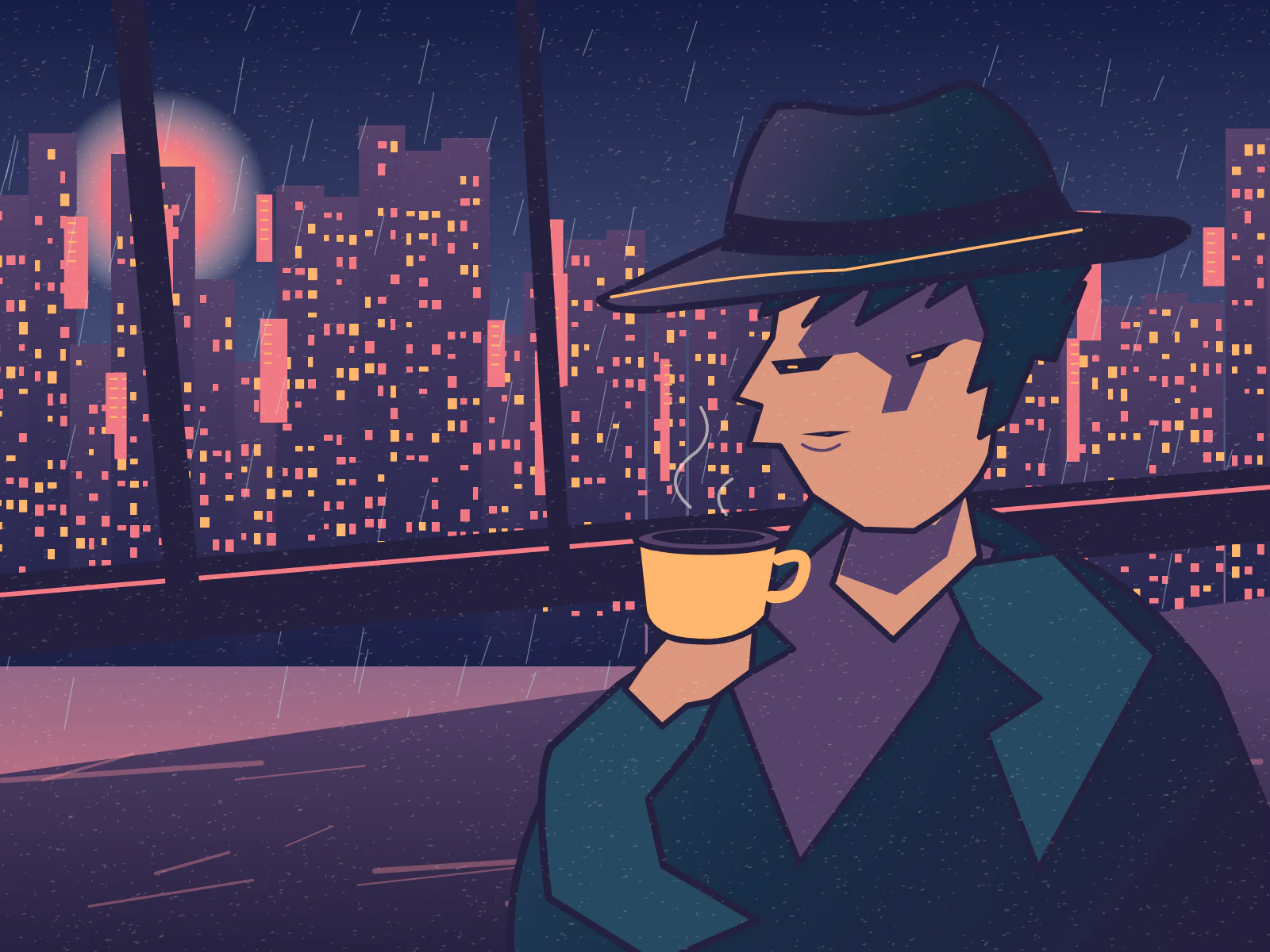
How do you stage a convincing 1990s anime frame?
- 01
Set the camera
Place your subject, set the camera angle and name one light source.
- 02
Pick the cel treatment
Choose Classic OVA, Magical Girl or Mecha Sci-Fi for your scene.
- 03
Inspect the tape effect
Adjust the scanlines until the face reads clearly, then save the frame.
Which details make a shot feel hand-painted?
A single cinematic decision beats a list of style names. Place the camera at the counter, behind a rain-streaked window or low beside the street. Make the light fall from one direction so a few broad shadow shapes can describe the scene.
Try a single camera distance in both of these briefs. The diner uses a large silhouette against a bright sign. The station uses negative space between figures to show distance. In each case, make the untreated frame work before deciding how much wear to add.
- Late-night diner
- An empty stool fills the left foreground. Beyond it, an exhausted detective cups a coffee in both hands. Rain slides down the diner window; a red sign lights one cheek while the counter casts a single deep shadow.
- Last train home
- A station attendant stands under an amber platform lamp. Across the tracks, one carriage glows blue. Paint the distant city as a quiet wash, keep the foreground rails sharp and leave the upper third of the frame empty.
Where should the retro texture go?
Separate the drawing from the display treatment. The still should communicate the mood before grain is added. Test the finished frame at the size you intend to show it, particularly on thumbnails.
| Visual cue | What to inspect |
|---|---|
| Shadow blocks | The cheek, collar and jaw should have distinct shapes even without a gradient. |
| Background detail | Hold the most saturated color for the point of interest so cables and window reflections stay secondary. |
| Scanlines and grain | If the eye highlight disappears, reduce the effect and compare the silhouette again. |
How can you carry the look into a second scene?
Reuse a short phrase for the palette, the main light and the camera position. Change the action separately and place the two originals side by side before applying a matching local treatment.