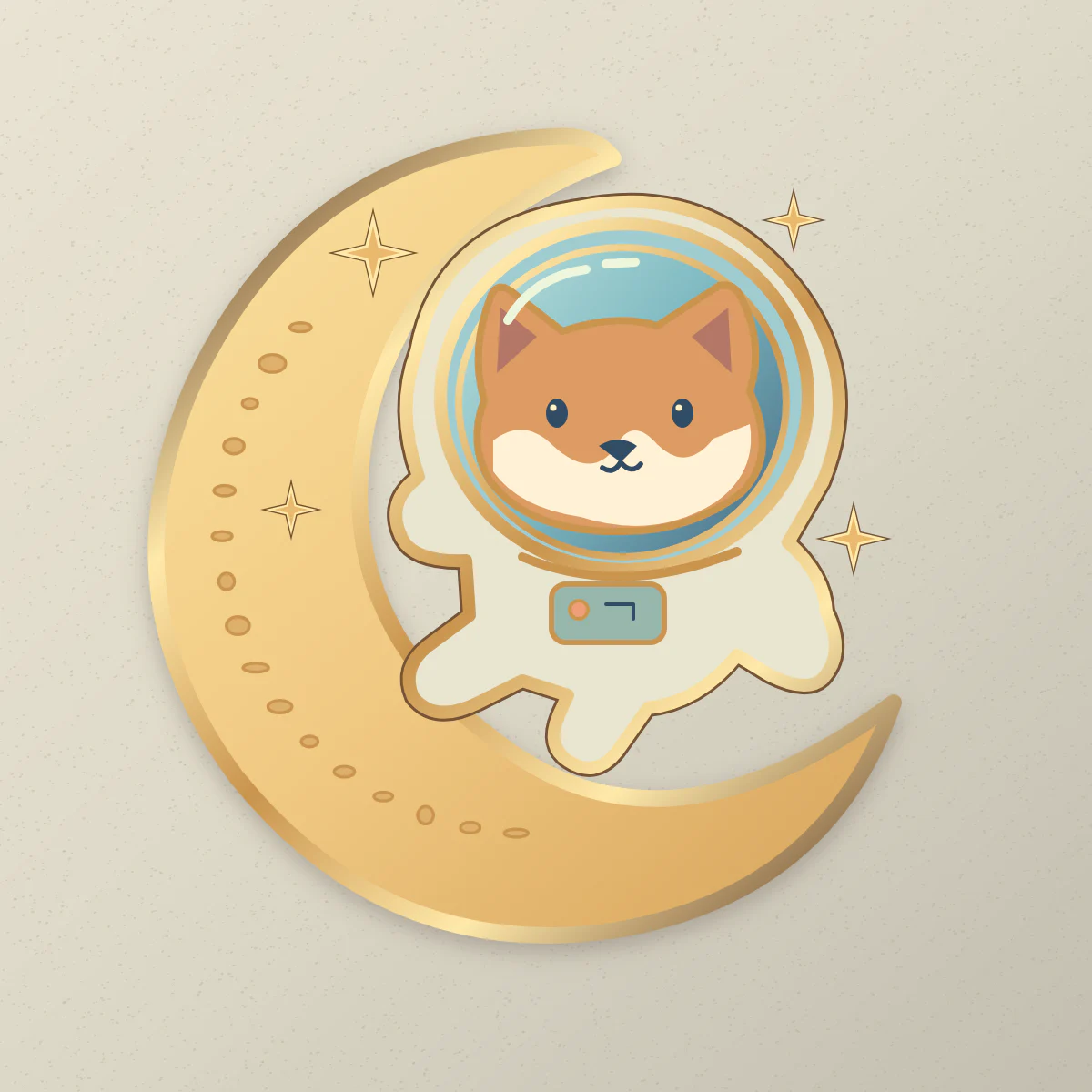
How do you describe an enamel pin concept?
- 01
Outline the badge
Define the outer contour and two or three enamel colors.
- 02
Select the plating
Choose a metal finish to preview on the next mockup.
- 03
Review the boundaries
Inspect the color boundaries for thin lines before contacting a maker.
How do you make a concept easy to discuss with a pin maker?
Start with the pin’s silhouette and a few solid color areas. A crescent moon around a small animal reads more clearly than a detailed night sky. Describe which outlines you want to appear as exposed metal.
A maker needs to understand which details matter if the motif has to be simplified. State the priority in the brief, then inspect it at the finished size you intend to order. Use a broad border and clear color areas to make the priority visible.
- Moon mascot
- A small astronaut dog sits in the curve of a crescent moon. Use navy, coral and warm cream fills, with broad metal borders. Preserve the helmet silhouette and a single star, leaving out the finer constellation details.
- Botanical badge
- A round enamel badge with two gingko leaves crossing at the stems. Use one deep green and one pale green fill. Keep visible metal between the leaves and leave a continuous rim around the outer edge.
Which details need a manufacturer’s decision?
A glossy render can make fine shapes appear feasible without specifying any physical width. Send the workshop your intended pin dimensions and ask for the limits of its process before signing off.
| Design feature | Request in the production proof |
|---|---|
| Metal outline | A measured line width and supported separation between neighboring enamel areas. |
| Color fill | Exact color references agreed with the shop and a plan for any small or enclosed fill areas. |
| Back and edge | Confirmation of attachment position, edge treatment and finished dimensions. |
What should you send along with the mockup?
Include the concept image, intended physical size, finish name, color notes and any design details that must survive simplification. The manufacturer can then advise on vector preparation and send its version for approval.
Check a manufacturer’s enamel pin artwork guidance