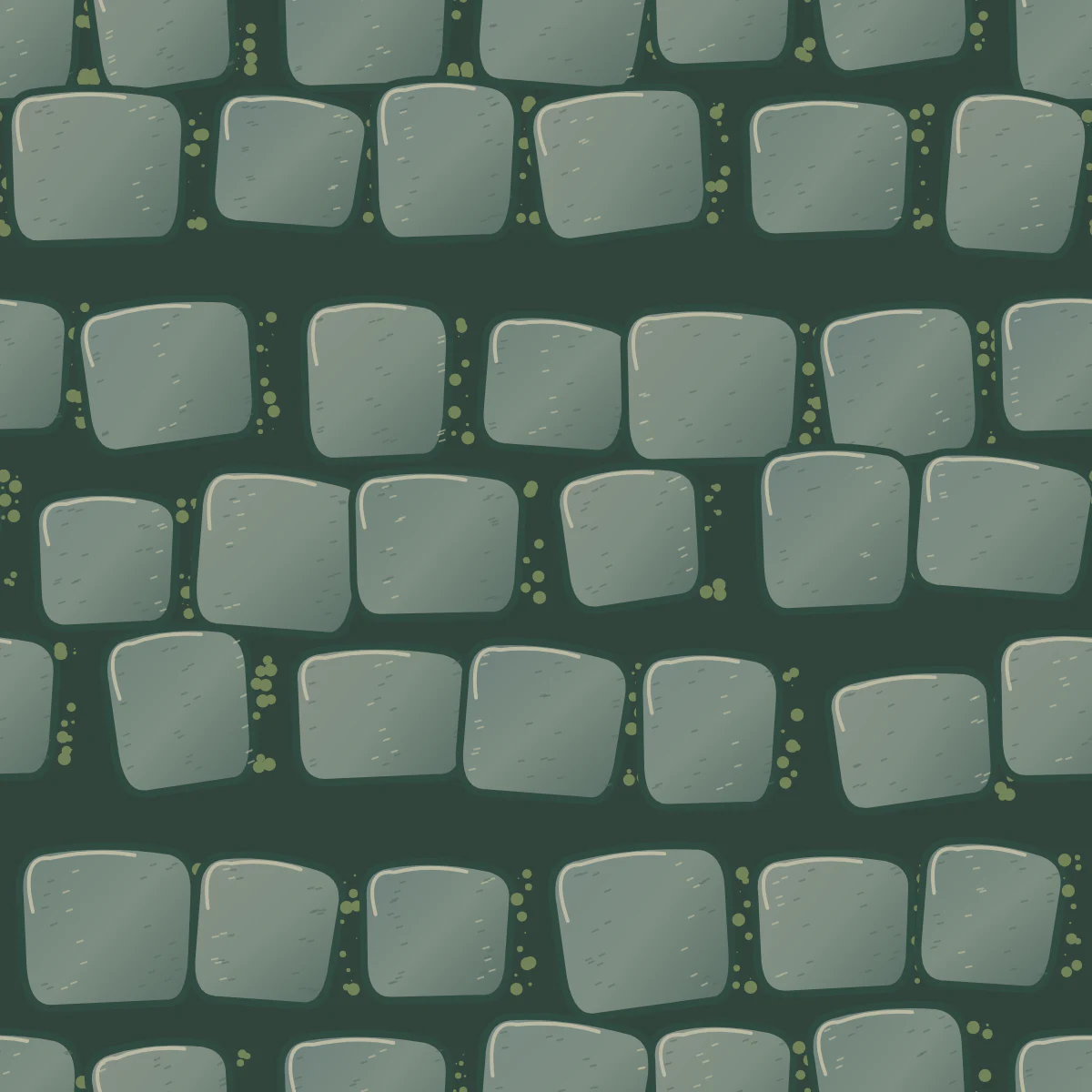
How do you create a useful repeat tile?
- 01
Set the surface
Name a material, its grain size and a sign of wear.
- 02
Read the tile edges
Follow a crack or grain line across the repeated tile edges.
- 03
Test the texture on a surface
Download one tile and test repeat sampling on your 3D surface.
Which material descriptions reveal tiling problems quickly?
Describe one material, the size of its features and the direction of any grain. For bark, say whether the ridges run vertically. For stone, mention the width of the joints. Ask for even lighting so a repeated shadow does not look painted onto the object.
Start with two surfaces that repeat in different ways. A woven surface tests edge continuity along a known direction. A scattered stone surface tests whether a single distinctive feature forms a distracting pattern. Inspect both at several repeat counts before choosing the tile for an asset.
- Twill fabric
- Flat overhead view of indigo twill with fine diagonal ribs of consistent spacing. Soft diffuse light and subtle thread variation across the whole swatch. Keep the color even and avoid folds, seams, labels or a visible fabric edge.
- Worn limestone
- Pale limestone pavers with irregular shallow joints and fine grains. Distribute the medium-gray stones broadly. Keep the marks quiet, with occasional small pits and no dramatic crack that would stand out every time the tile repeats.
Which repeating defects are easiest to miss?
A texture can meet at its borders and still reveal a conspicuous repeated knot in the center. Shift attention between edge continuity and the larger rhythm of the repeated pattern.
| Look for | What to compare |
|---|---|
| Horizontal join | Inspect the left edge beside the right edge of its neighbor, especially where strong shapes cross. |
| Vertical join | Follow a stripe or grout line from the bottom of one tile to the top of the next. |
| Accent features | View the 3×3 repeat from a distance. A single bright stone can form an obvious diagonal lattice. |
Which material file does the generator supply?
Use the square artwork as a color texture. A complete physically based material may also need normal, height, roughness or metallic inputs. Those describe different surface properties and should be authored or captured separately.
Read Blender’s Image Texture node reference