How Do You Unblur an Image Online?
Unblur a picture in three steps, with no software:
- 01
Upload the blurry photo
Drop, paste or pick it. A camera original beats a copy forwarded through chat apps.
- 02
Match the mode to the blur
Your browser checks the photo for free and suggests Motion Blur, Out of Focus or Text. Nothing runs until you confirm.
- 03
Compare and download
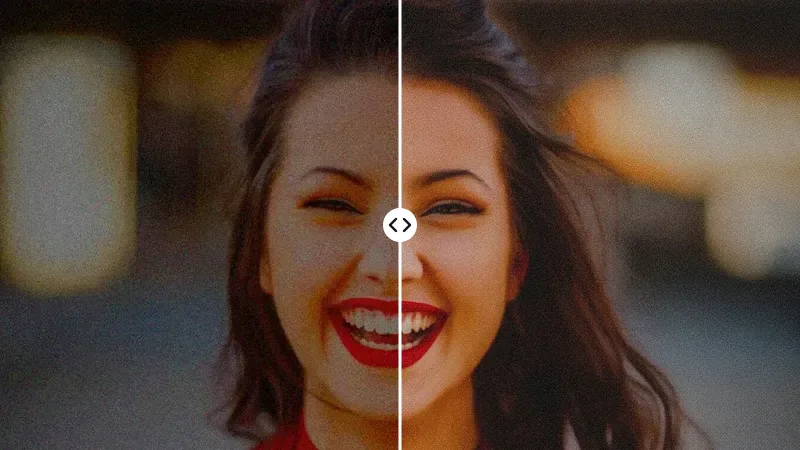
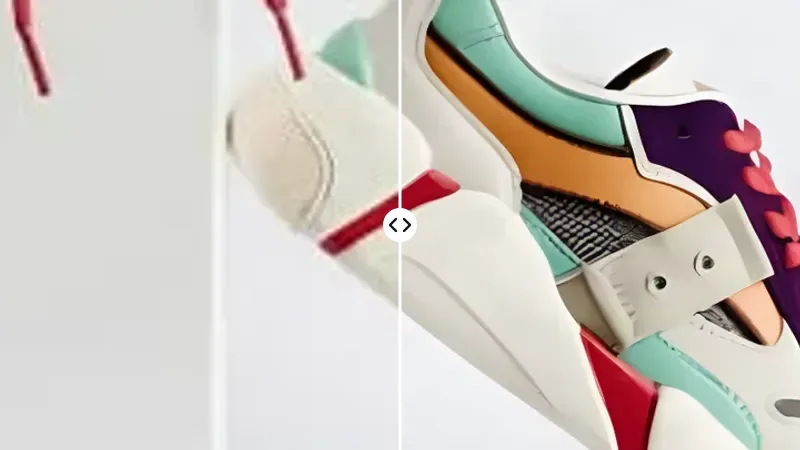
Drag the slider over the part you care about most, then save the clear version.
What Kind of Blur Is in Your Photo?
Picking the right mode matters more than anything else. Choose what you see:
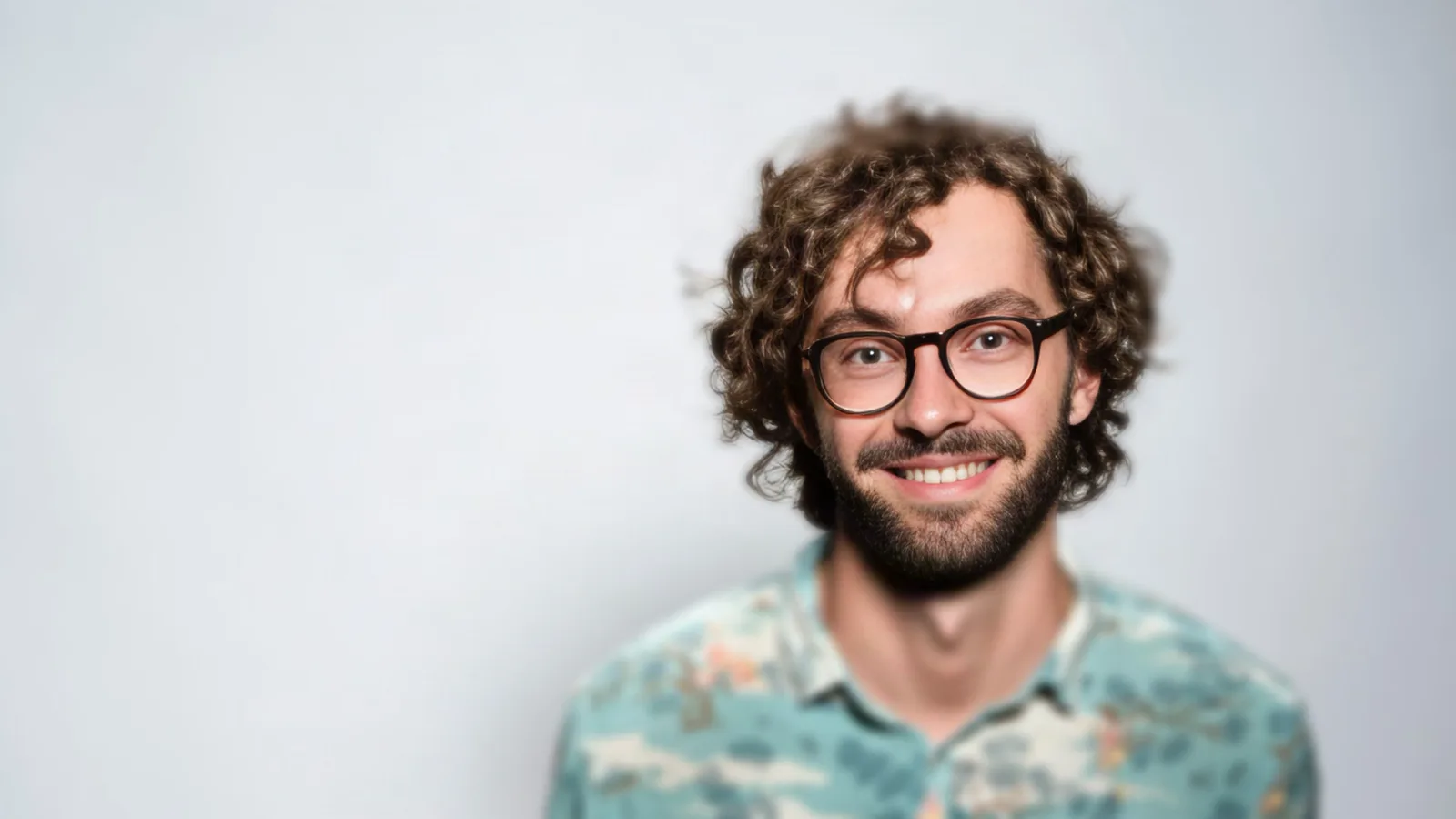
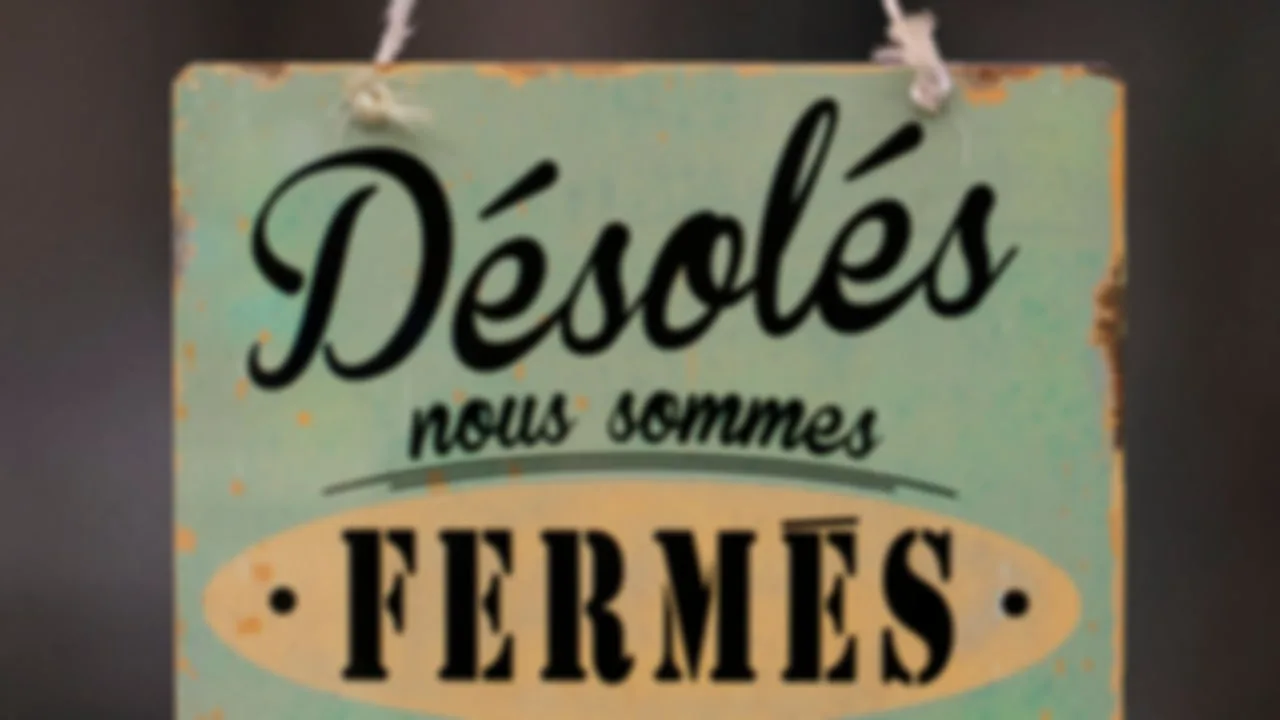
- Blur type
- Camera shake or subject motion
- Try this mode
- Motion Blur · 10 credits · paid plans
The smear follows a path the AI can trace back, so mild to moderate shake fixes well. It needs our premium model, Nano Banana 2, which is on paid plans. Night shots taken handheld usually fall into this group too.
How Does AI Fix Blurry Photos?
A sharpen filter only boosts edge contrast. AI deblurring has learned from pairs of blurry and sharp pictures, so it draws the most likely sharp version of yours: clearer than sharpening, but an estimate rather than the recovered original.
Remove motion blur
Traces the direction of a shaky-hand or moving-subject smear and rebuilds clean edges along it, on the premium Nano Banana 2 model.
Sharpen out-of-focus photos
The gentlest mode: crisp outlines close to the original pixels, from 2 credits.
Deblur text and documents
Redraws letters and numbers as clean shapes so pages, slides and signs become readable.
Make blurry faces clear
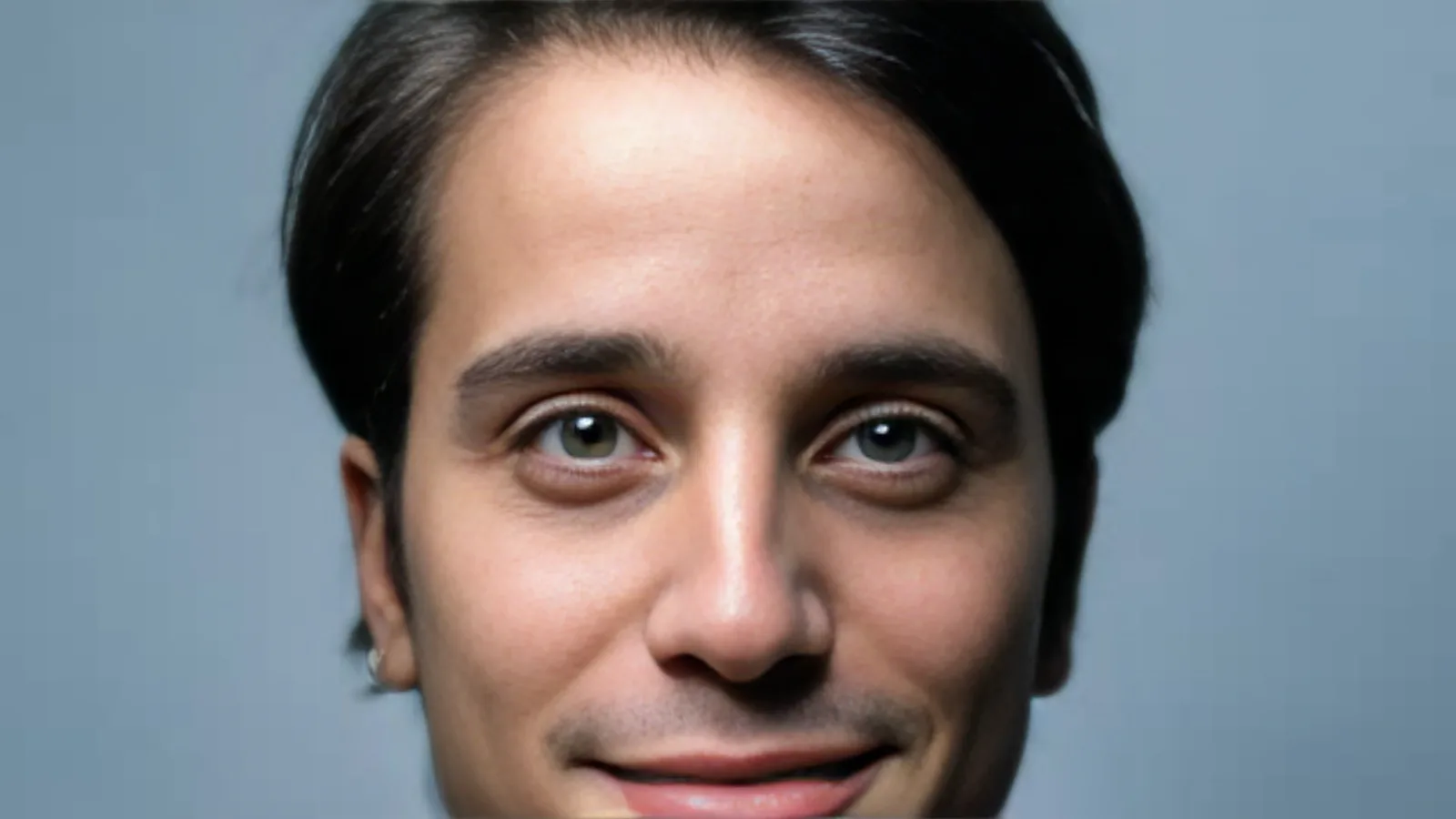
Out of Focus includes face recovery for soft portraits, selfies and group shots.
Blurry text needs a careful eye. Here is when Text mode works and what to check:
Screenshots
- Works well when
- You can still guess most words, for example a chat or web page that was resized or forwarded a few times.
- Always check
- Usernames, links and anything with digits, such as order numbers or prices.
Documents and receipts
- Works well when
- The page was photographed slightly out of focus or with a shaky hand, and the font is printed rather than handwritten.
- Always check
- Totals, dates and small print. For anything legal or financial, get the original document instead.
Signs and labels
- Works well when
- The sign fills a good part of the frame and the letters are at least a few pixels tall.
- Always check
- Short words and single letters, which have the least context and are the easiest to misread.
How Blurry Is Too Blurry to Fix?
Every unblur tool has a limit. Judge your photo before you spend credits:
Mild blur
- How to tell
- Fine at phone size, soft when you zoom in. Text is readable with effort.
- What to expect
- Close to a properly focused shot. Most people will not notice it was ever blurry.
- Honest limit
- Very fine texture, such as individual hairs, is partly redrawn.
Moderate blur
- How to tell
- Soft even at phone size, double edges visible, text only partly readable.
- What to expect
- A clearly usable photo with sharp outlines and recognisable faces.
- Honest limit
- Small details are the AI's best guess; compare faces and letters with care.
Heavy blur
- How to tell
- You can tell roughly what the subject is, but not who or which word.
- What to expect
- A cleaner, calmer picture that is good enough as a memory or a preview.
- Honest limit
- Not a record of the scene. Names, plates and faces may be invented.
Unblur vs Upscale vs Enhance: What Is the Difference?
| Unblur image | Image upscaler | Photo enhancer | |
|---|---|---|---|
| Fixes | Smear from movement, missed focus, fuzzy text | Too few pixels for the size you need | Noise, compression blocks, dull detail |
| Typical photo | Shaky night shot, soft portrait | Small web image for print | Grainy phone photo from a group chat |
| Changes size? | No | Yes, larger | No |
Sharp but small? Use the image upscaler. Grainy or blocky rather than smeared? Try the AI photo enhancer.
Watch the Unblur Tool in Action
Can You Unblur an Image for Free?
Yes. Your first image is free, with no account and no watermark. After that, Out of Focus costs from 2 credits (up to 8 for large originals) and Text 6 credits, because it runs on a larger generative model. Motion Blur needs the premium Nano Banana 2 model and costs 10 credits on paid plans. You always see the price before you confirm, and verifying your email adds free credits.