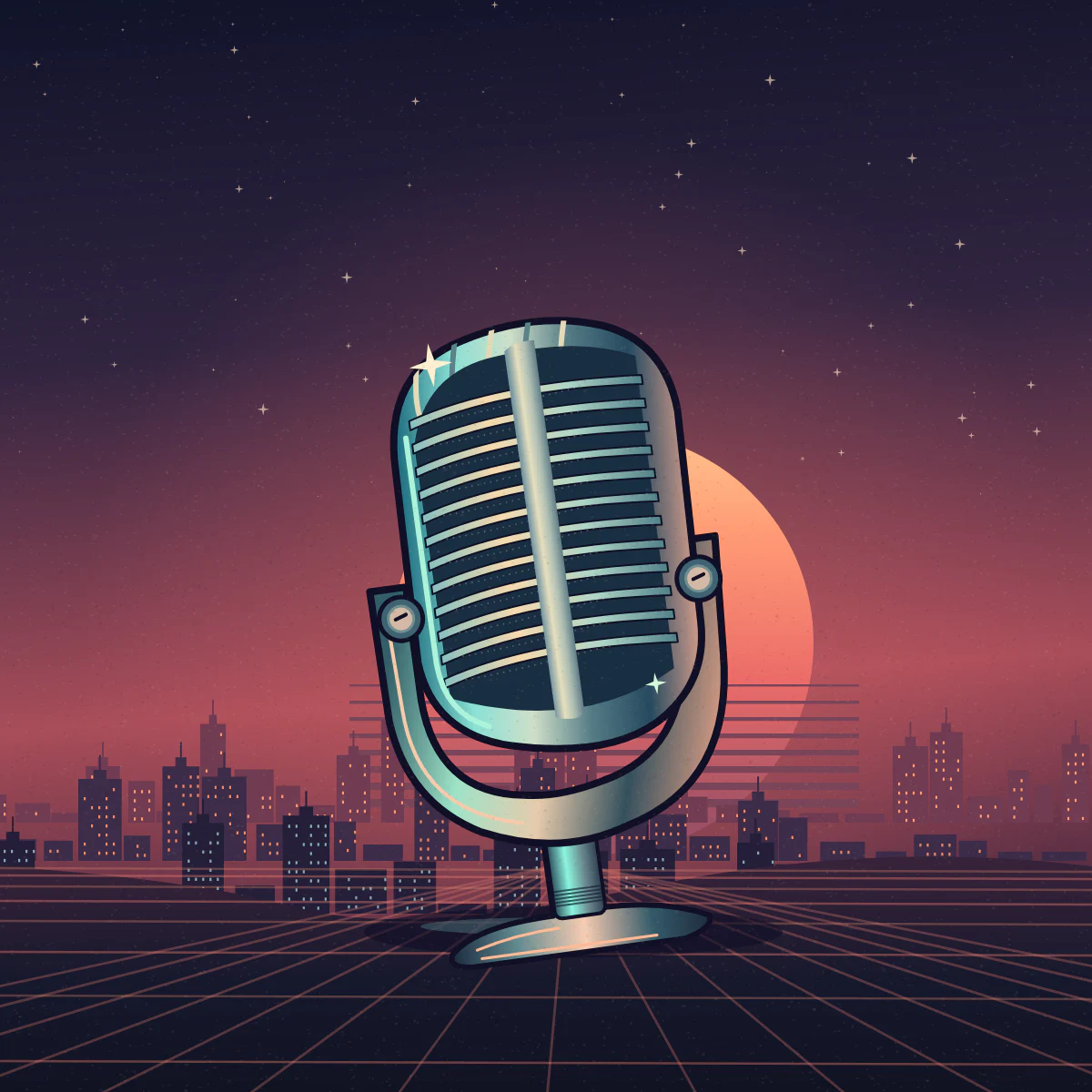
How do you design a cover listeners can recognize?
- 01
Brief the illustration
Describe one object that represents the show and leave room for type.
- 02
Set the show title
Add the show name and check its contrast against the artwork.
- 03
Inspect the export
Save the 3000 × 3000 JPEG and read the title at thumbnail size.
How can a show keep its own identity at a small size?
Choose one visual clue about your show. A recording booth, a broken circuit or two chairs facing each other tells the listener more than six objects competing for attention. Leave an uncluttered area at the top for the show name.
Think about what a listener would remember after seeing the show for a moment. Keep that clue in the central image and pronounce the title once as you type it. Compare a version with the title and a version with open space before making a final selection.
- Oral history show
- A worn field recorder sits on a kitchen table beneath a warm reading lamp. One small cassette leans against it. Keep the upper quarter of the square quiet and dark, with enough contrast for a short light-colored title.
- Science conversations
- A single split prism casts a narrow band of color across a deep navy background. Let the prism occupy the lower half and leave the upper area nearly uniform. Avoid tiny diagrams or text inside the glass.
What gets lost at podcast thumbnail size?
A cover that reads across a desktop can lose its title among app icons. Shrink the image until you see it at a glance. If you can recognize the palette but cannot name the show, increase separation between the letters and their background.
| Element | Check in the thumbnail |
|---|---|
| Short title | Keep its strongest word easy to read and make sure no letters touch the crop. |
| Focal image | A recognizable silhouette helps the show stand out without tiny decoration. |
| Background | A flat or gently textured title area makes light or dark lettering easier to distinguish. |
What does Apple Podcasts expect for show artwork?
Apple lists a square 3000-pixel show cover and accepts 1400 through 3000 pixels for a show submitted through RSS. Its show covers have no transparency. Open your exported file and review the current artwork guidance for your delivery path.
Check Apple Podcasts’ Show Cover requirements