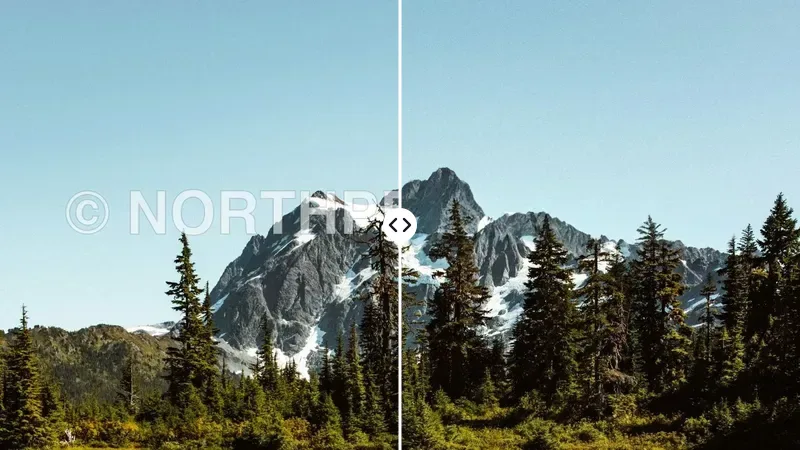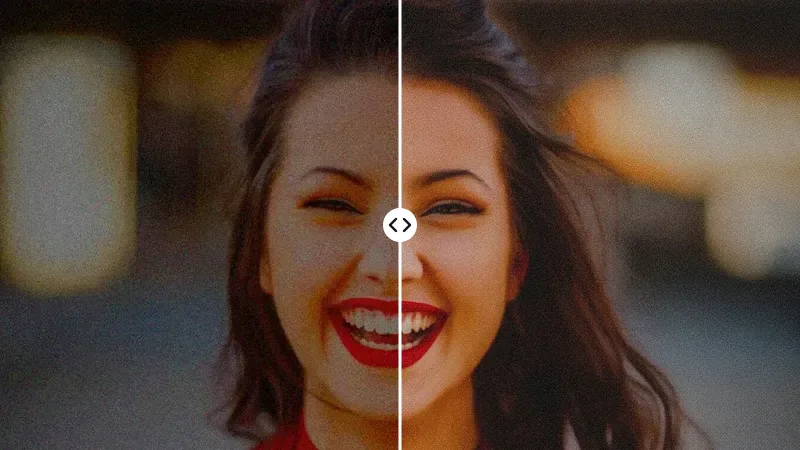

How Do You Remove a Background from a Photo?
Cutting out a subject used to take half an hour with a pen tool. Here it takes three steps:
- 01
Upload the photo
Drop, paste or pick a JPG, PNG or WEBP. A subject in focus and fully in frame gives the cleanest edges.
- 02
Keep Remove Background
The AI finds the person, product or pet and deletes everything around it. 1 credit after your free first image.
- 03
Download PNG or pick a colour
Check the edges with the slider, then save the transparent PNG or pick a background colour under the result.
White background for products
Pick Pure white under the result: exactly #FFFFFF, the product stays pixel-exact, and it costs no extra credits.
Passport and ID photo backgrounds
Pick ID photo blue, red, white or light grey under the result; size, crop and print layout come next.
Remove black or busy backgrounds
The model separates subject from surroundings by shape, so dark studios and cluttered rooms both work.
For the size and crop rules of official photos, use the passport photo maker.
How Do You Change the Background with AI?
For a plain colour, stay on Remove Background and pick it under the result. For a new scene, switch to Change Background and describe it in a few words. The AI redraws everything behind your subject and matches the light, so it looks photographed rather than pasted. Your first image is free; after that each replacement costs 6 credits. Copy a description into the New background field:
Studio & gradients
- White with soft shadowa clean white studio background with a soft natural shadow under the subject
- Warm sunseta smooth gradient from warm peach to soft lilac
- Studio vignettea mid-grey studio backdrop that fades darker towards the edges
Scenes
- Marble countera white marble kitchen counter with soft morning window light
- Beach at golden houra sandy beach at golden hour with a softly blurred sea behind
- Modern officea bright modern office with plants, softly out of focus
- City street at nighta city street at night with warm bokeh lights
Change Background repaints the whole frame at about 1,024 px, so fine print on a label can shift. When the product must stay exact, remove the background and place the PNG yourself.
What Do Marketplaces Require for Main Images?
Here is what each marketplace's seller guidance asks for, as of October 2026. Confirm in your seller centre before a big upload:
| Main image | Amazon | eBay | Shopify | TikTok Shop |
|---|---|---|---|---|
| Background | Pure white (RGB 255, 255, 255) | White or light grey recommended | No rule; consistent background recommended | Pure white |
| Minimum size | 500 px longest side; 1,000 px enables zoom | 500 px longest side | No minimum | 600 × 600 px |
| Recommended size | 1,600 px or more | 1,600 px longest side | 2,048 × 2,048 px | 800 × 800 px or more |
| Text, logos or watermarks |
In the last row, a tick means text and watermarks are allowed on the main image. One 2,000 × 2,000 px square on pure white, with the product filling most of the frame, satisfies all four.
How Clean Are the Edges?
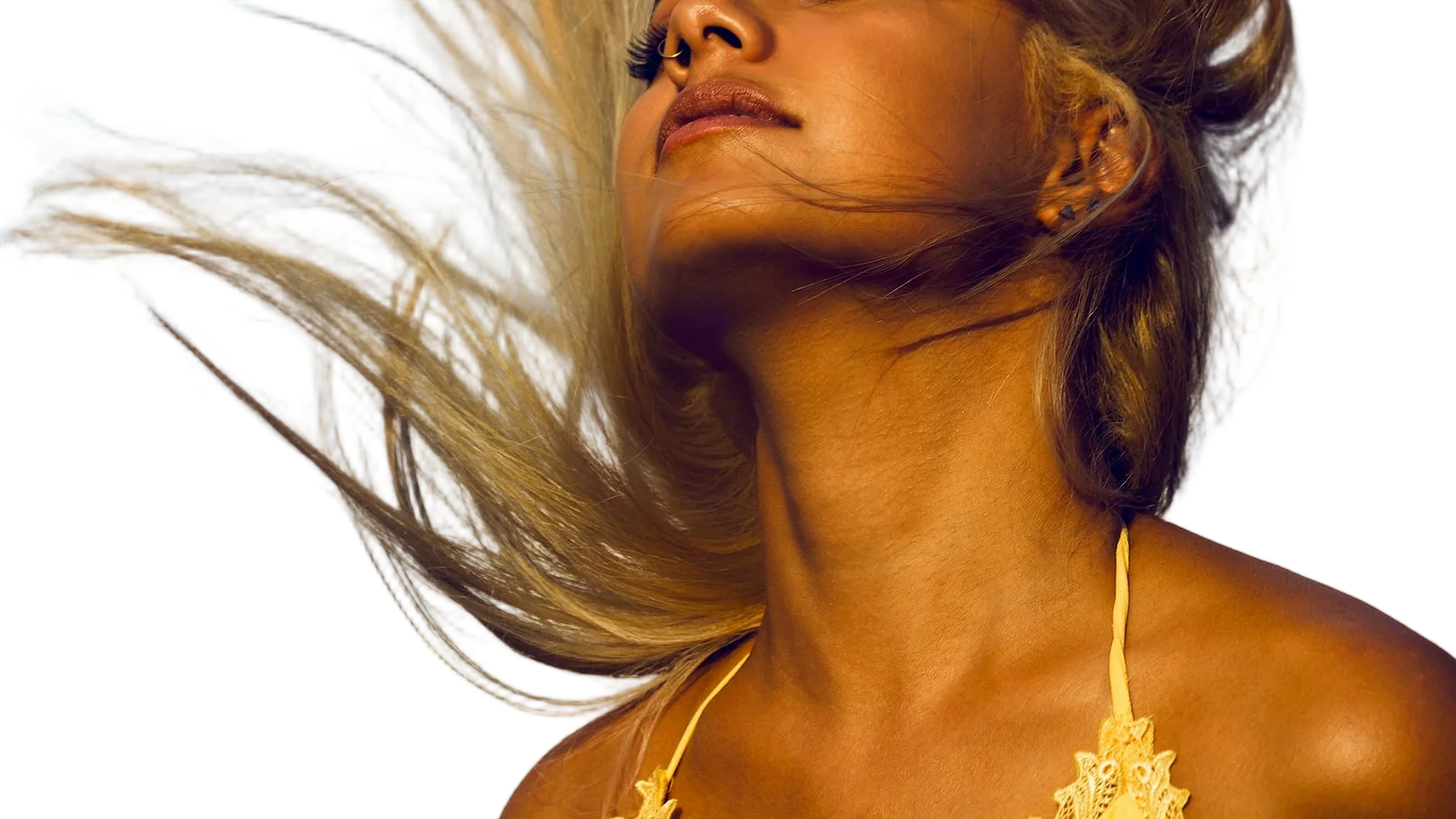
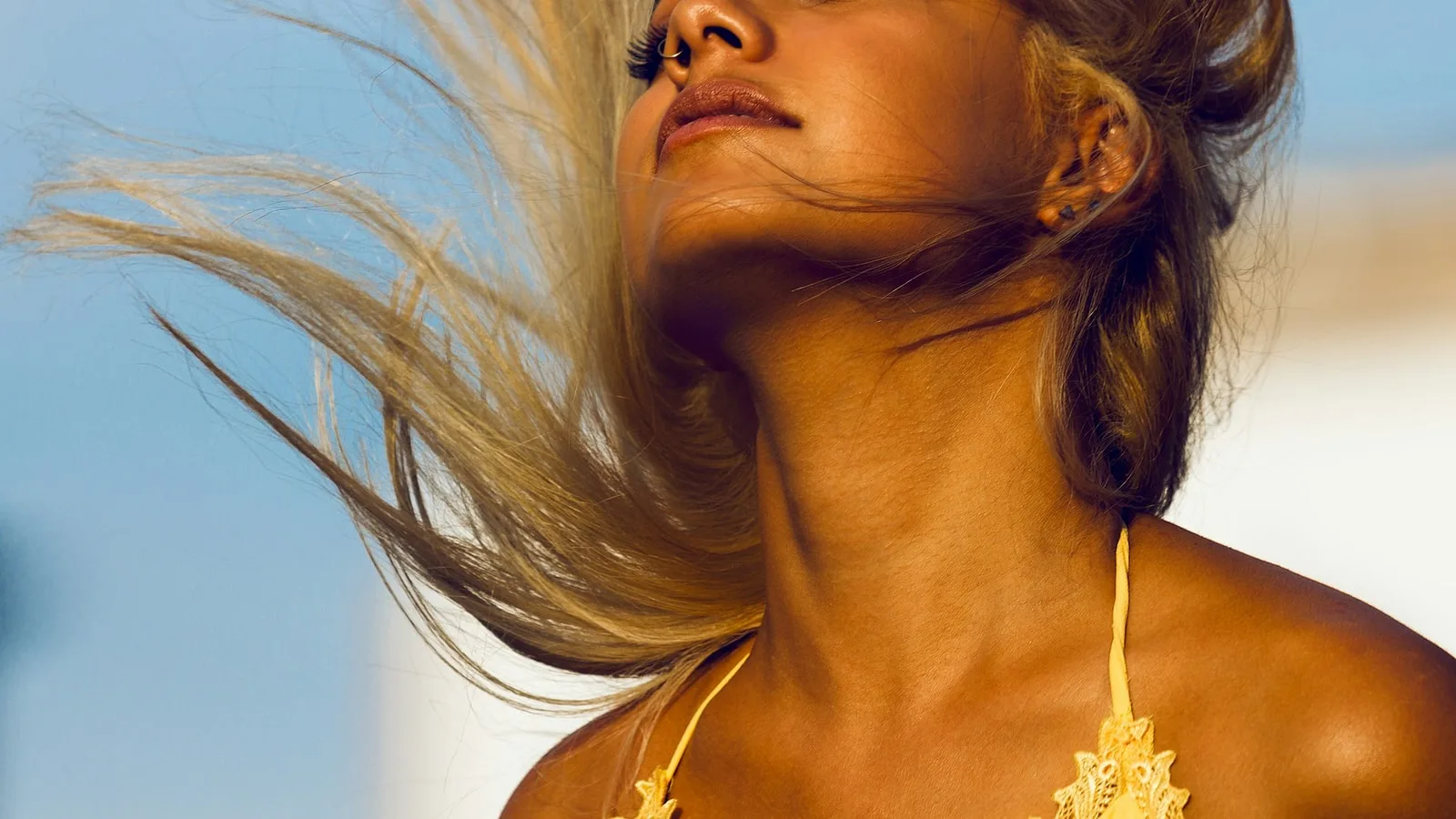
Edges decide whether a cutout looks professional. The model is built for high-resolution segmentation:
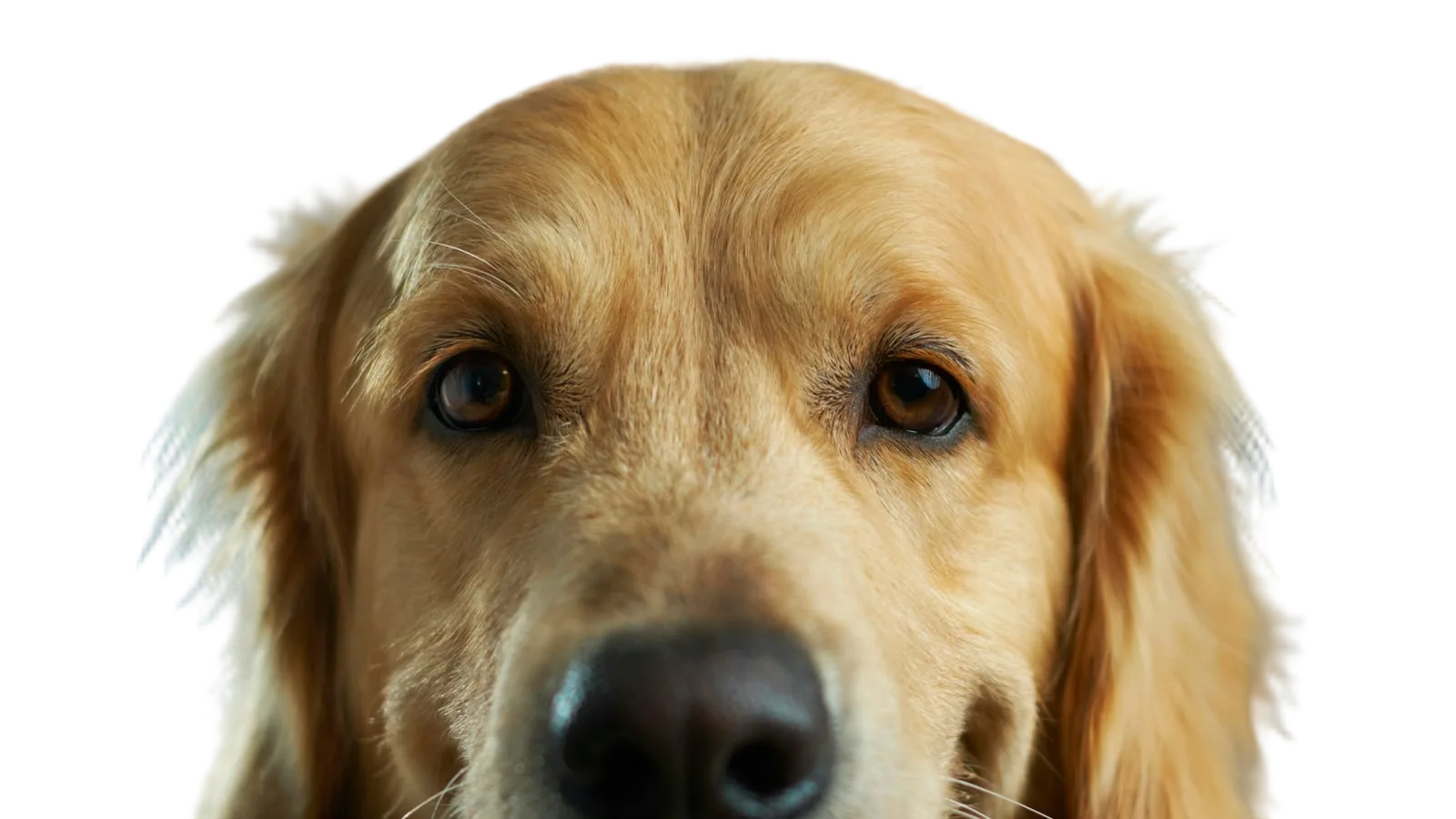
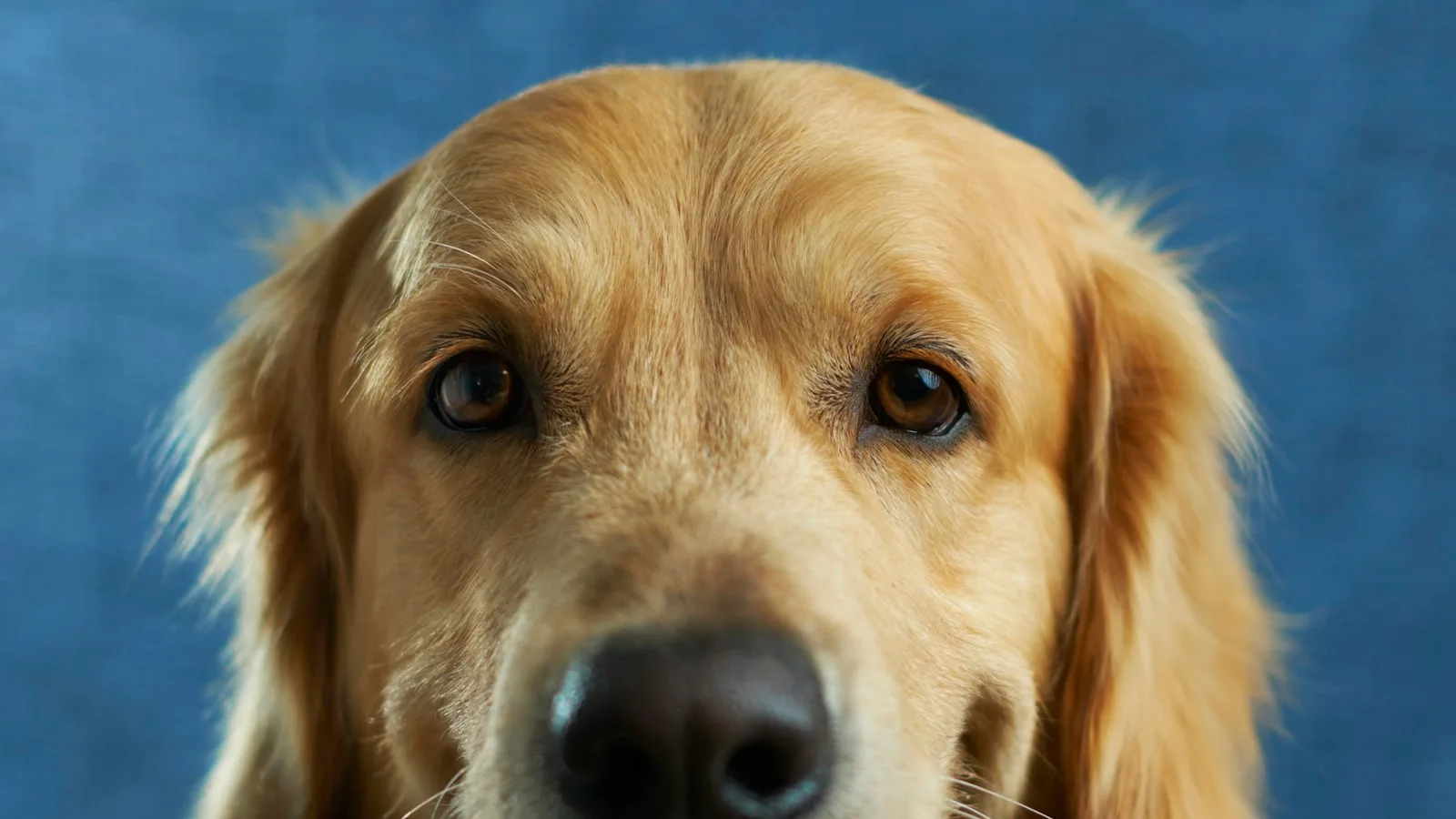
Hair and fur
Single strands and pet fur survive instead of being sliced off.
Fingers and laces
Gaps between fingers, shoelaces and straps stay open.
See-through materials
Glass, smoke and lace may come out more solid or more transparent; check them on a coloured background.
Manual touch-up
No brush tools here yet; fix a stray edge in any editor.
Who Uses a Background Remover?
- Online sellersPhone shots turned into clean white listing photos for every marketplace.
- Designers and marketersPeople and products dropped into banners, thumbnails and slides without masking.
- Job seekers and creatorsA tidy headshot on a plain colour for LinkedIn or a profile picture.
- Editing with wordsRemove the background first, then keep going with a written edit.
Keep editing any cutout in the AI photo editor.