Try a little motion
Pick one small action. Try its prompt in the editor.
Real results · GPT Image 2.6 · Medium · 512 × 512 · 9 frames
- AI-generated GIF
 Loading GIF…
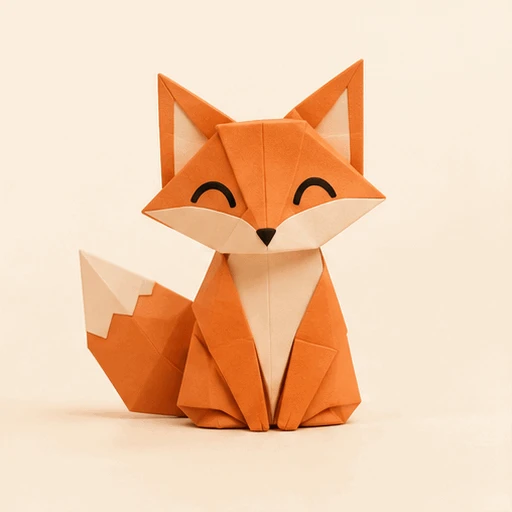
Paper character
An origami fox. One friendly wave.
- AI-generated GIF
 Loading GIF…
Coffee moment
A still cup. A curl of steam.
- AI-generated GIF
 Loading GIF…
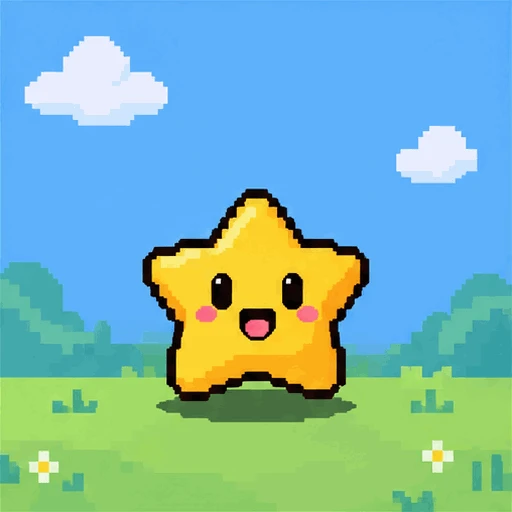
Pixel reaction
A tiny star. One happy bounce.
How do you use the AI GIF maker with text or a photo?
Photo optional. Add an idea, describe one action, then generate.
Add a photo or write a prompt
Upload one image, or start with words.
Describe the motion
Choose your settings and check the credit quote.
Preview and download
Play the result, inspect a frame, save the GIF.
Interface illustrations
What should you write in an AI GIF prompt?
Keep it simple: a subject, one action, a fixed scene.
- Subject
- A ceramic coffee cup on a quiet table.
- Action
- Steam curls gently above the drink.
- Camera
- Fixed camera. Keep the cup still.
- Ending
- Return toward the opening pose.
How do frames and timing change a GIF?
Same frames, different rhythm. Change the speed to see the difference.
Find your rhythm
Nine poses. Three speeds. Try a faster or gentler bounce.
- frames
- 9 frames
- seconds per loop
- 1.8 seconds per loop
Local motion study · no credits used. Editor settings stay unchanged.
Best for reactions, original characters and subtle product motion. Review the full result: small details can change, and seamless looping is not guaranteed.
Prepare your photo with the AI photo editor or background remover, find words with image to prompt, or check credits and plans.