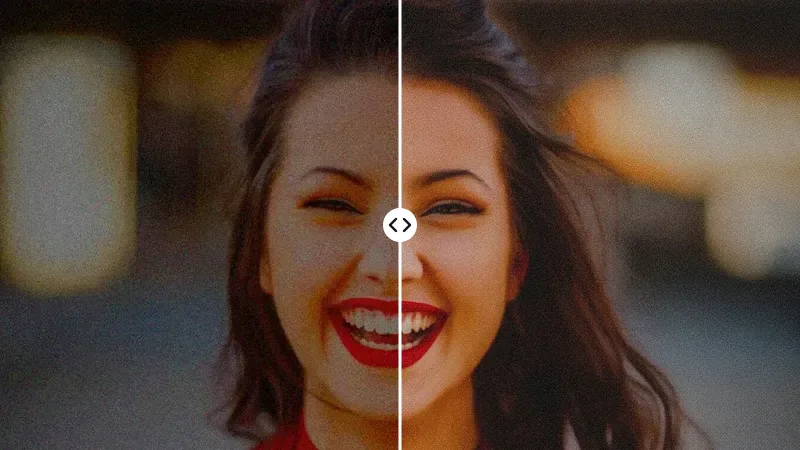
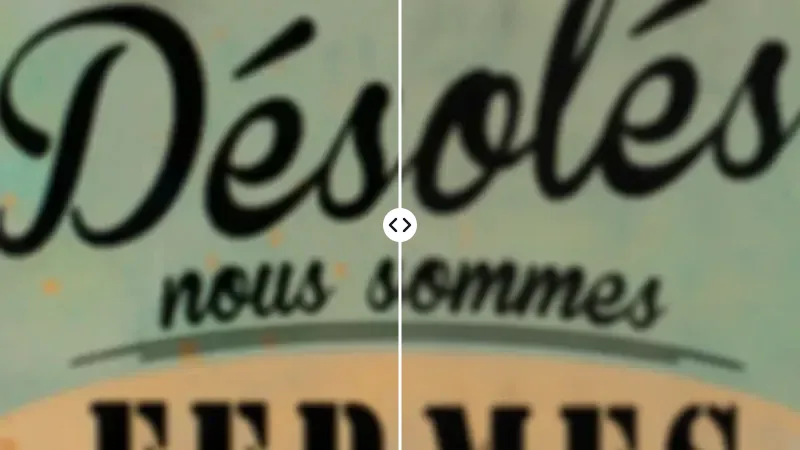
How Do You Upscale an Image Online?
Upscale an image in three steps:
- 01
Add your picture
Drop, paste or pick a JPG, PNG or WEBP. Start from the largest version you have: a 1,200 px original gives a far better 4x than a 300 px thumbnail.
- 02
Choose 2x or 4x
2x doubles the width and height, 4x quadruples them. Both cost 1 credit, so choose by the size you need.
- 03
Download the larger file
Zoom in on edges and small text, compare with the original, then save.
How Big Will Your Image Be After Upscaling?
Type the width and height of your original to see the new pixel size, megapixels and print size:
| Scale | Pixels | MP | Print at 300 dpi | Print at 150 dpi | Reaches 4K UHD? |
|---|---|---|---|---|---|
| Original | 1,200 × 800 | 0.9 | 10.2 × 6.8 cm · 4.0 × 2.7 in | 20.3 × 13.5 cm · 8.0 × 5.3 in | No |
| 2x | 2,400 × 1,600 | 3.7 | 20.3 × 13.5 cm · 8.0 × 5.3 in | 40.6 × 27.1 cm · 16.0 × 10.7 in | No |
| 4x | 4,800 × 3,200 | 14.6 | 40.6 × 27.1 cm · 16.0 × 10.7 in | 81.3 × 54.2 cm · 32.0 × 21.3 in | Yes |
Hand-held photos need 300 dpi; posters viewed from a step away look fine at 150 dpi. The standard model makes up to 16 MP per run (for example 4,096 × 4,096); if a row is over the limit, pick 2x or a smaller original. Paid plans can choose Topaz, with a 24 MP limit.
How Do You Increase Picture Resolution Without Losing Quality?
Ordinary resizing averages neighbouring pixels, so edges go soft. An AI upscaler predicts the missing detail, which keeps hair, fabric and product edges crisp at the new size.
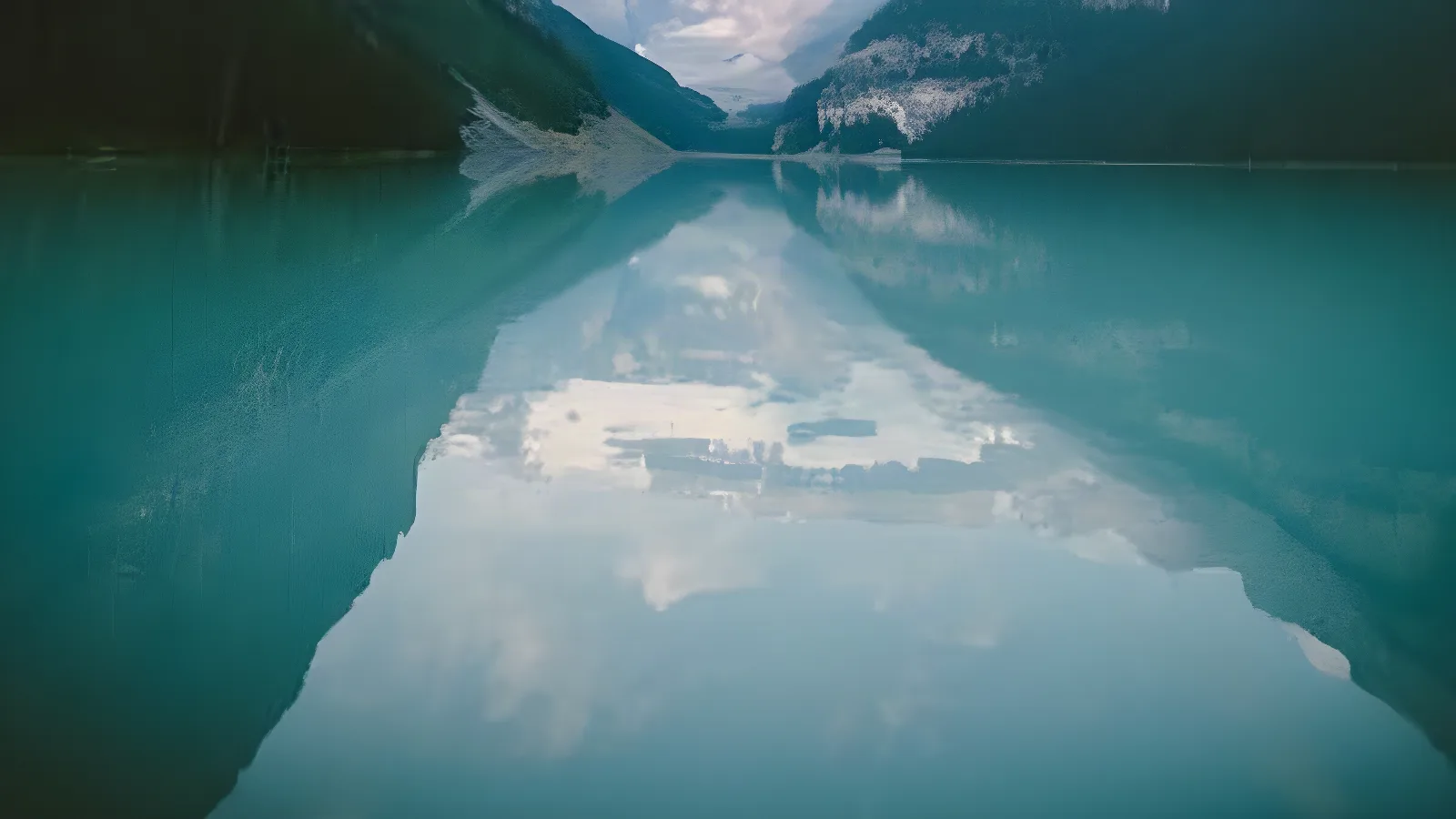

Upscale images to 4K
4K UHD is 3,840 × 2,160. A 960 × 540 original gets there with 4x, a 1080p screenshot with 2x. Sign in for 4K; the no-sign-up trial stops at 2x and 2,048 px.
Enlarge photos for print
A 1,200 × 800 phone download prints about 10 × 7 cm at 300 dpi; after 4x it covers about 41 × 27 cm.
Upscale anime and illustrations
Keeps outlines firm and colour fills even for anime, fan art, stickers and sprites. Check very thin lines at 100%.
DPI is not resolution
Changing 72 to 300 dpi in settings adds no pixels; only upscaling creates new ones.
What Size Do You Need for Each Use?
Common targets and the smallest original that reaches each one (paper sizes at 300 dpi, A3 at 250 dpi to stay within 16 MP):
| Use | Target size (px) | Smallest original for 2x (long side) | Smallest original for 4x (long side) | Why this size |
|---|---|---|---|---|
| Instagram feed post | 1,080 × 1,350 | 675 px | 338 px | Portrait 4:5 at Instagram's 1,080 px width |
| Shopify product image | 2,048 × 2,048 | 1,024 px | 512 px | Shopify's recommended square size |
| 4K UHD wallpaper | 3,840 × 2,160 | 1,920 px | 960 px | Standard 4K screen resolution |
| A4 print | 2,480 × 3,508 | 1,754 px | 877 px | 210 × 297 mm at 300 dpi |
| A3 print | 2,923 × 4,134 | 2,067 px | 1,034 px | 297 × 420 mm at 250 dpi; 300 dpi needs about 17 MP, over the limit |
| 18 × 24 in poster | 2,700 × 3,600 | 1,800 px | 900 px | Viewed from a distance, 150 dpi |
Old screenshots under 800 px wide become usable in today's slides after a 2x or 4x pass.
Image Upscaler vs Photo Enhancer: Which One Do You Need?
Is the picture too small, or poor quality at any size?
| Compare | Image upscaler | Photo enhancer |
|---|---|---|
| Problem it solves | Not enough pixels | Noise, compression blocks, soft faces |
| Output size | 2x or 4x larger | Depends on the selected mode and model |
| Best input | Clean but small images | Grainy or blocky phone photos |
If it looks bad at its current size, use the photo enhancer first. Motion blur and missed focus need unblur image. You can chain them: fix quality first, then upscale.